
AudiOverFlow
AudiOverFlow is a free AI text-to-audio converter for generating natural-sounding voice from text.
Source rating 5.0
(95)
0 views
0 saves
Unknown
Verdict
A quick read before you dig into the full page.
- Best if
- AudiOverFlow is a free AI text-to-audio converter for generating natural-sounding voice from text
- Pick this when
- AudiOverFlow is a free AI text-to-audio converter for generating natural-sounding voice from text
Overview
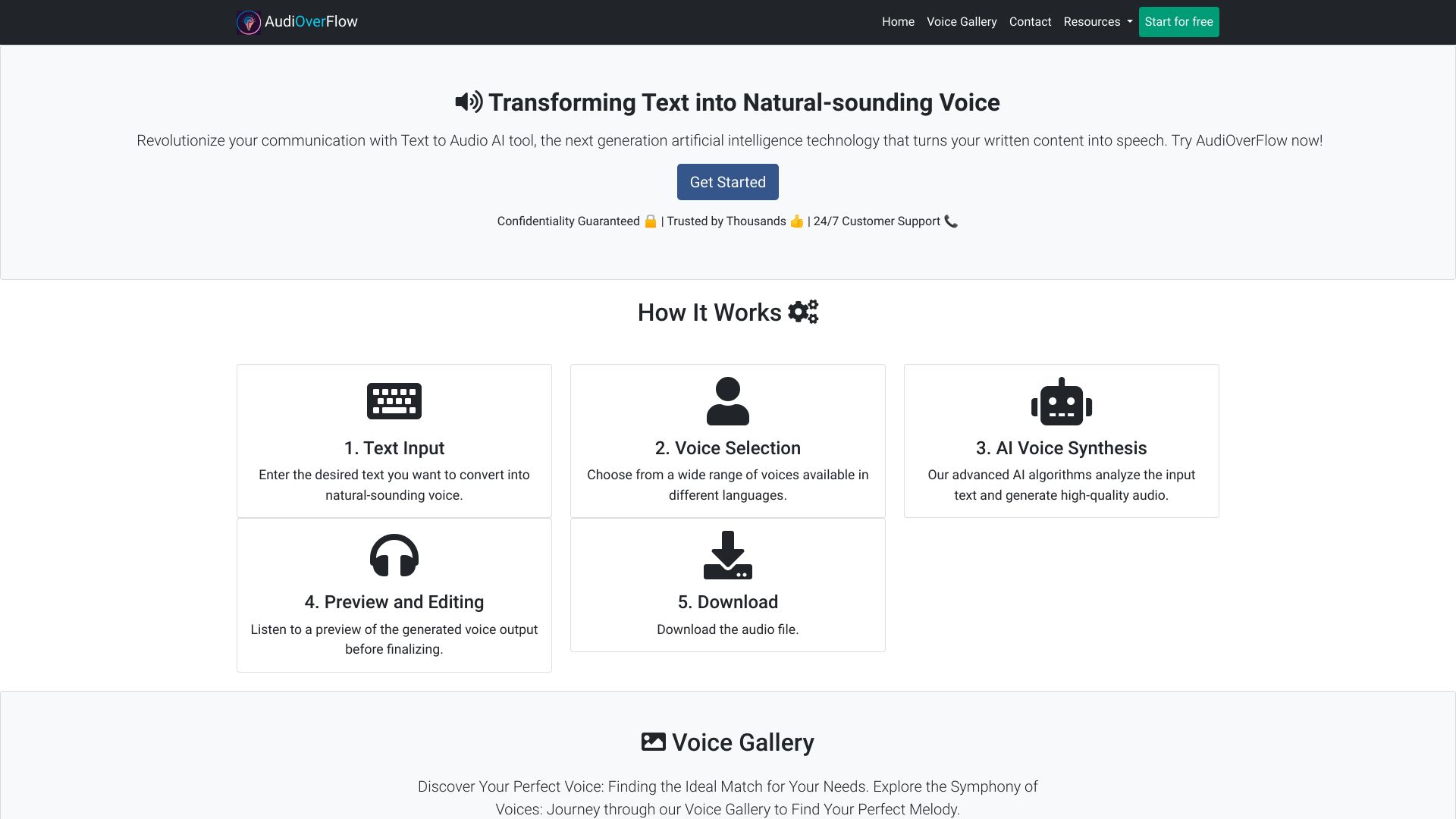
AudiOverFlow is an AI text-to-audio converter that transforms written content into captivating audio. It offers immersive, hands-free experiences using cutting-edge technology. It's a free AI voice generator to convert text to speech and allows users to download the audio. Users can type or paste text and convert it to audio.
Access & connections
Where you can use AudiOverFlow.
Platforms
Capabilities
What this tool accepts, produces, and is strongest at.
Highlights
- Text-to-audio conversion
- AI voice generation
- Voice selection
- Audio download
FAQ 7
What is AudiOverFlow?
AudiOverFlow is an AI text-to-audio converter that transforms written content into captivating audio. It offers immersive, hands-free experiences using cutting-edge technology. It's a free AI voice generator to convert text to speech and allows users to download the audio. Users can type or paste text and convert it to audio.
How to use AudiOverFlow?
To use AudiOverFlow, simply enter the desired text, choose from a range of voices, and let the AI algorithms generate high-quality audio. Preview and edit the output before downloading the audio file.
How do I use the text-to-voice AI tool?
To use our text-to-voice AI tool, simply enter the desired text you want to convert into natural-sounding voice and choose from the available voices. Click on the "Generate Audio" button, and you'll get the audio output that you can listen to or download.
Can I preview the voice output before finalizing?
Yes, you can preview the generated voice output before finalizing. After converting the text into voice, you'll have the option to listen to a preview of the audio. This allows you to make any necessary adjustments or edits before downloading the final audio file.
How can I download the audio file?
Once you have converted the text into voice and are satisfied with the output, you can simply click on the "Download" button provided. This will allow you to save the audio file to your device.
Is the text-to-voice AI tool free to use?
Yes, our text-to-voice AI tool is completely free to use. You can convert your text into natural-sounding voice without any charges or limitations.
Do I need to register to use the text-to-voice AI tool?
No, registration is not required to use our text-to-voice AI tool. You can access and utilize the tool without any registration process. Enjoy the convenience of converting your text into voice instantly, without any barriers.
Related tools
Recommended


AudiOverFlow