

Audiogen ✓
Generate infinite sounds instantly with AI
Free + from $5 / mo
Verdict
A quick read before you dig into the full page.
- Best if
- Generate infinite sounds instantly with AI
- Skip if
- Limited to 10-second audio
- Pick this when
- Generates high-quality audio
Considering Suno instead? Compare side by side
Overview
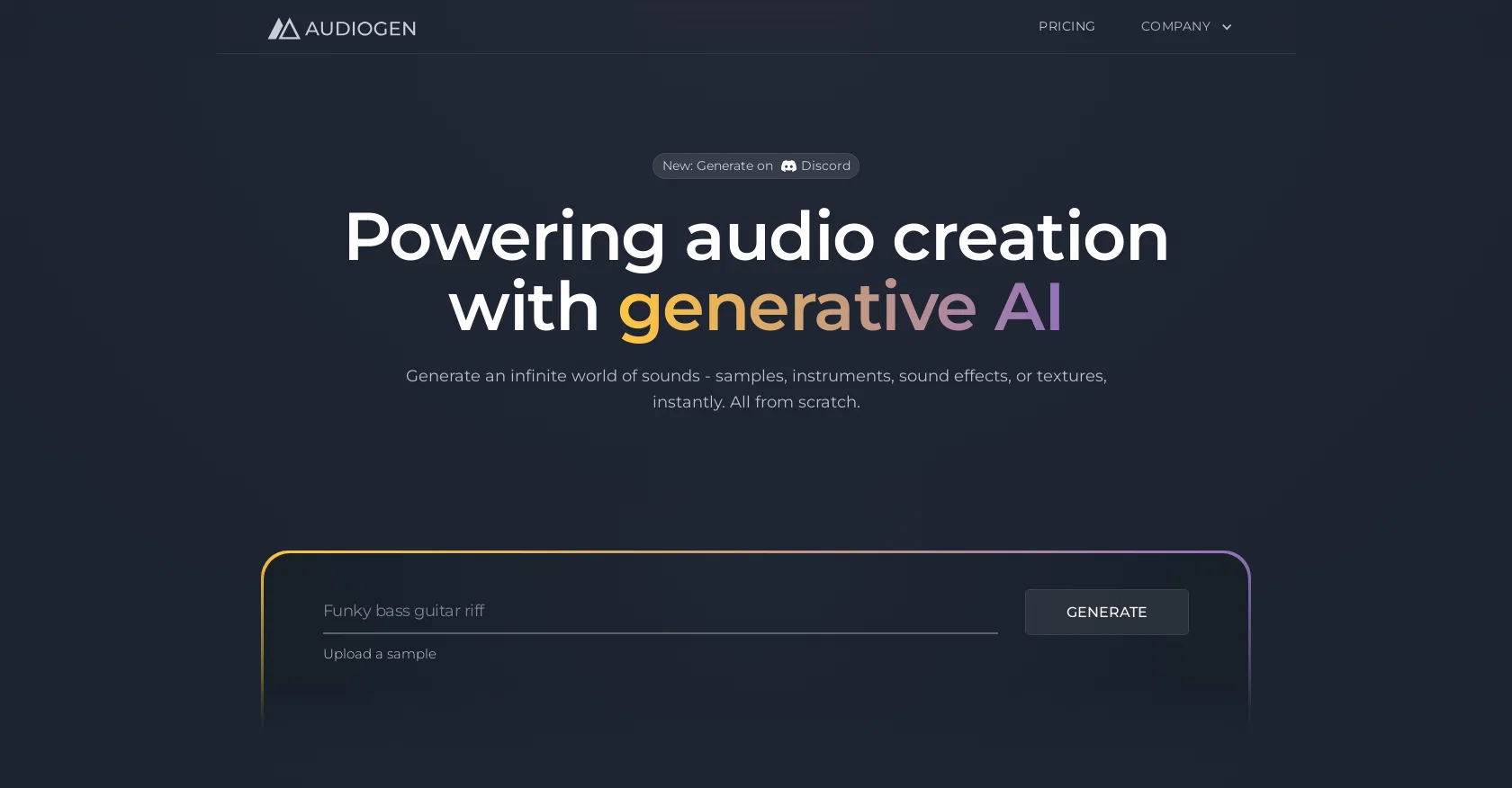
Audiogen is an AI-powered tool that facilitates audio creation by generating a wide range of high-quality sounds instantly. It offers the ability to effortlessly create samples, instruments, sound effects, and textures from scratch.
With Audiogen, users can access an infinite variety of sounds, providing a touch of novelty to their projects. All the generated sounds are royalty-free, eliminating concerns about licenses.
The tool allows users to generate sounds of variable lengths, from as short as half a second to a maximum of 10 seconds, catering to specific project requirements.Audiogen's real-time generation feature minimizes delays by offering less powerful model options.
They provide a suite of adapters that enable users to have ultimate control over the generative AI model. The BPM adapter allows users to specify the exact beats per minute, ensuring synchronization with their music tracks.
The harmony adapter enables creative direction by specifying chords or keys, resulting in perfectly diatonic generated sounds. Through the Foley adapter, users can provide visual prompts to the AI, eliminating the need for expensive microphones in video production.
With the events adapter, users can sculpt soundscapes by specifying the precise sequence of sounds for crafting sound effects.Additionally, Audiogen offers a desktop application that seamlessly integrates with content creation suites, enhancing workflow efficiency through simple drag and drop functionality.
Users can stay updated with Audiogen's upcoming releases by signing up for exclusive updates.
Access & connections
Where you can use Audiogen.
Platforms
Capabilities
What this tool accepts, produces, and is strongest at.
Input
- Audio
Output
- Audio
Pros & cons
Pros
- Generates high-quality audio
- Effortlessly creates samples
- Instruments, sound effects, textures
- Infinite variety of sounds
- All sounds are royalty-free
- Sound length customization
- Real-time generation feature
- BPM adapter
Show 19 more
- Harmonic adapter
- Allows visual prompts
- Creates specific sound sequences
- Easily integrated desktop app
- Compatibility with other software
- Real-time update option
- Drag-drop functionality
- Stay-in sync with BPM
- Chord-specific sound generation
- Efficient audio workflow
- Studio-ready high fidelity sounds
- Variable sound lengths
- Precise sound sequence crafting
- Continuous sound generation
- Desktop app for quick access
- Endless app for diverse professions
- Seamless with content creation suites
- Diatonic sound generation
- Automation of audio workflows
Cons
- Limited to 10-second audio
- Lacks powerful model options
- Requires adapters for control
- No indication of voiceover support
- No MIDI support mentioned
- Susceptible to generation delays
- Desktop app only
- Doesn't integrate with all DAWs
Show 2 more
- Unclear pricing
- Only updates via sign-up
Compare alternatives
Similar tools in the catalog — with a clear reason to open each one.


Tunee ✓
FreemiumChat with AI to create music and music video in minutes.
Why look Offers a public API
Full comparison

AirMusic ✓
Free TrialAI music generator and music video creator in one platform.
Free + from $11.9/mo
Full comparison

Releases 1
FAQ 12
What is Audiogen?
What are the main features of Audiogen?
How does Audiogen generate high-quality sounds?
Is Audiogen suitable for creating various instruments' sounds?
Are sounds generated by Audiogen royalty-free?
Can I control the length of the sounds generated by Audiogen?
How does Audiogen's real-time generation feature work?
What does Audiogen's BPM adapter do?
How does the harmony adapter in Audiogen improve my audio creation?
What is the role of the Foley adapter in Audiogen?
Can the events adapter help me create a sequence of sounds in Audiogen?
How does Audiogen integrate with my existing content creation tools?
Related tools
Recommended

MusicLM ✓
UnknownExperience and shape Google's latest AI innovations

Emergent Drums ✓
FreemiumGenerate infinite AI drum samples, royalty-free.

Staccato ✓
PaidThe AI MIDI generator that listens to your music
CassetteAI ✓
FreemiumAI-powered music creation at your fingertips.

SOUNDRAW ✓
FreemiumAI-generated music in just a few clicks.

Fadr ✓
FreemiumCreate stems, remixes, and more with AI music tools