Verdict

A quick read before you dig into the full page.

Best if
You are podcasters and need: Improving podcast audio quality
Skip if
You need a free plan with no credit card
Pick this when
Paid · From $10 per month

Overview

Audioenhancer.ai is an AI-powered audio enhancement tool that improves audio quality by removing background noise, echo, and other unwanted sounds. It supports various file formats and offers features like noise reduction, sibilance reduction, hum reduction, loudness correction, plosive reduction, and mouth click reduction. Users can upload audio or video files, select enhancement types, and download the improved audio.

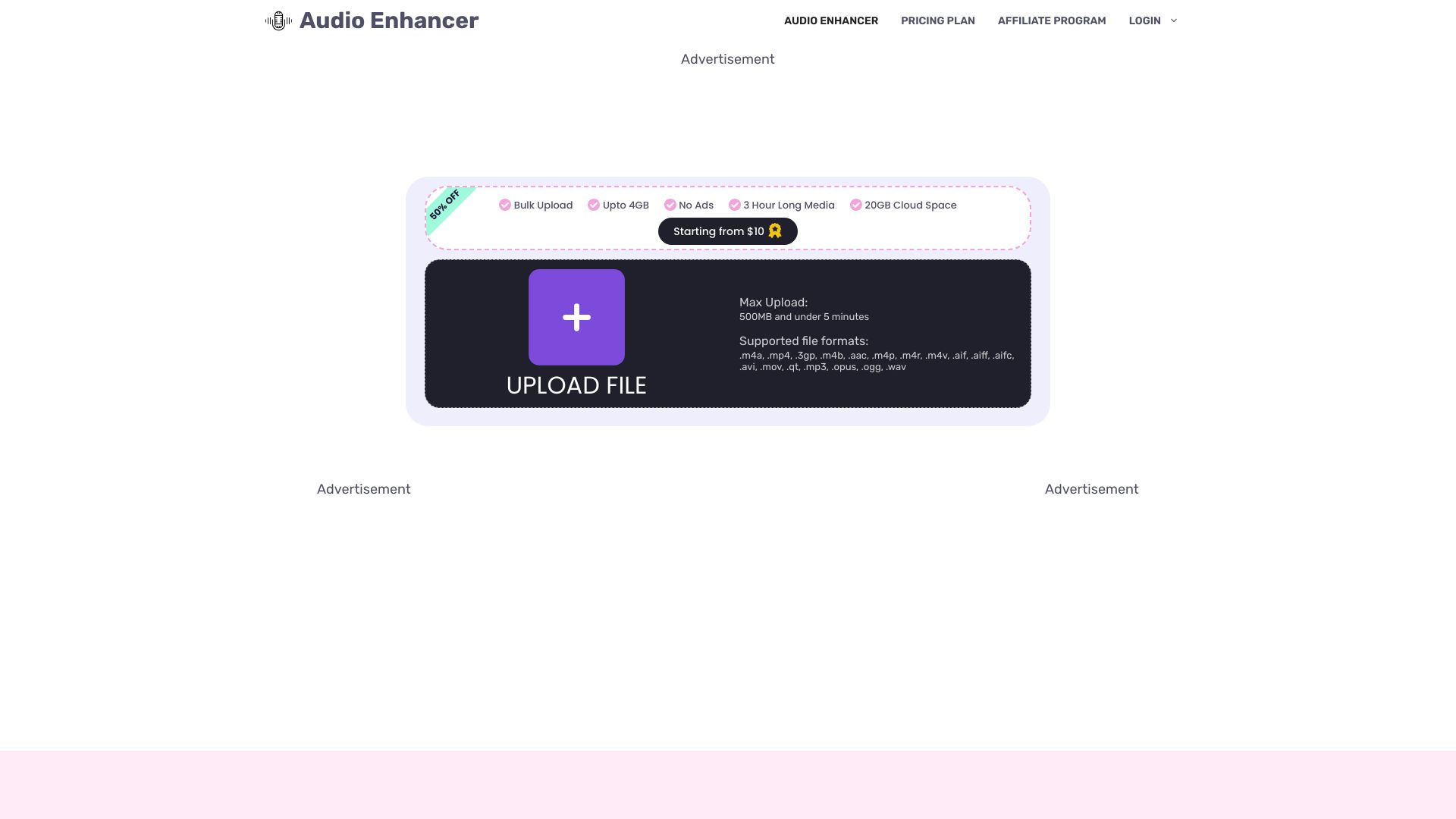
Audio Enhancer screenshot

Best for

Short scenarios where Audio Enhancer tends to shine.

  • Improving podcast audio quality

    Best for Podcasters

  • Enhancing audio in videos for YouTube

    Best for YouTubers

  • Cleaning up music recordings

    Best for Musicians

  • Improving the quality of conference calls

    Best for Video editors

Example outputs 1

Sample generations and before/after results for Audio Enhancer.

Access & connections

Where you can use Audio Enhancer.

Platforms

Web

Capabilities

What this tool accepts, produces, and is strongest at.

Highlights

  • AI-powered audio enhancement
  • Noise reduction
  • Echo removal
  • Vocal isolation
  • Sibilance reduction
  • Hum reduction
  • Loudness correction
  • Plosive reduction
Show 1 more
  • Mouth click reduction

People also view

Tools that often show up alongside Audio Enhancer in collections and comparisons.

FAQ 7

What is Audio Enhancer?
Audioenhancer.ai is an AI-powered audio enhancement tool that improves audio quality by removing background noise, echo, and other unwanted sounds. It supports various file formats and offers features like noise reduction, sibilance reduction, hum reduction, loudness correction, plosive reduction, and mouth click reduction. Users can upload audio or video files, select enhancement types, and download the improved audio.
How to use Audio Enhancer?
Upload an audio or video file, select the desired enhancement type (e.g., clean up speech, reduce background noise), choose the content type (e.g., general, mobile video), and click 'Enhance'. Once processed, download the enhanced file.
What file formats are supported?
The tool supports .m4a, .mp4, .3gp, .m4b, .aac, .m4p, .m4r, .m4v, .aif, .aiff, .aifc, .avi, .mov, .qt, .mp3, .opus, .ogg, and .wav file formats.
What is the maximum upload limit?
The maximum upload limit is 500 MB and under 5 minutes for free users. Upgrading to a Pricing Plan increases this limit.
What enhancement types are available?
Enhancement types include clean up speech, reduce background noise, fix loudness and levels, plosive remover, sibilance reduction, and remove echo.
Is there a free version of Audio Enhancer?
Yes, Audio Enhancer offers a free version with certain limitations, such as file size and processing time.
What content types are suitable for enhancement?
Suitable content types include general audio, mobile video, interviews/meetings, lectures/conferences, voice recordings, professional audio, and podcasts.
Audio Enhancer From $10 per month