Automation

ASSIST Biz

ASSIST is a document management software for financial records with automated data extraction.

Source rating 5.0 (119) 3.8k views 3.8k/mo traffic 0 saves Freemium
More categories (5)

Verdict

A quick read before you dig into the full page.

Best if
ASSIST is a document management software for financial records with automated data extraction
Skip if
You need enterprise SLAs or a fully managed team plan right away
Pick this when
Freemium · Free + from $8

Overview

ASSIST is a document management software that keeps your financial records in order. From invoices, receipts to other business records, ASSIST captures data from these documents for easy extraction and reporting. ASSIST automates data entry, einvoice, simplifies AP & AR categorization, saving you time & cutting costs effortlessly. It integrates with Xero & QuickBooks. SmartLearn is a feature that makes processing documents easier and more accurate. It learns from past interactions and corrections to improve data extraction from invoices and receipts.

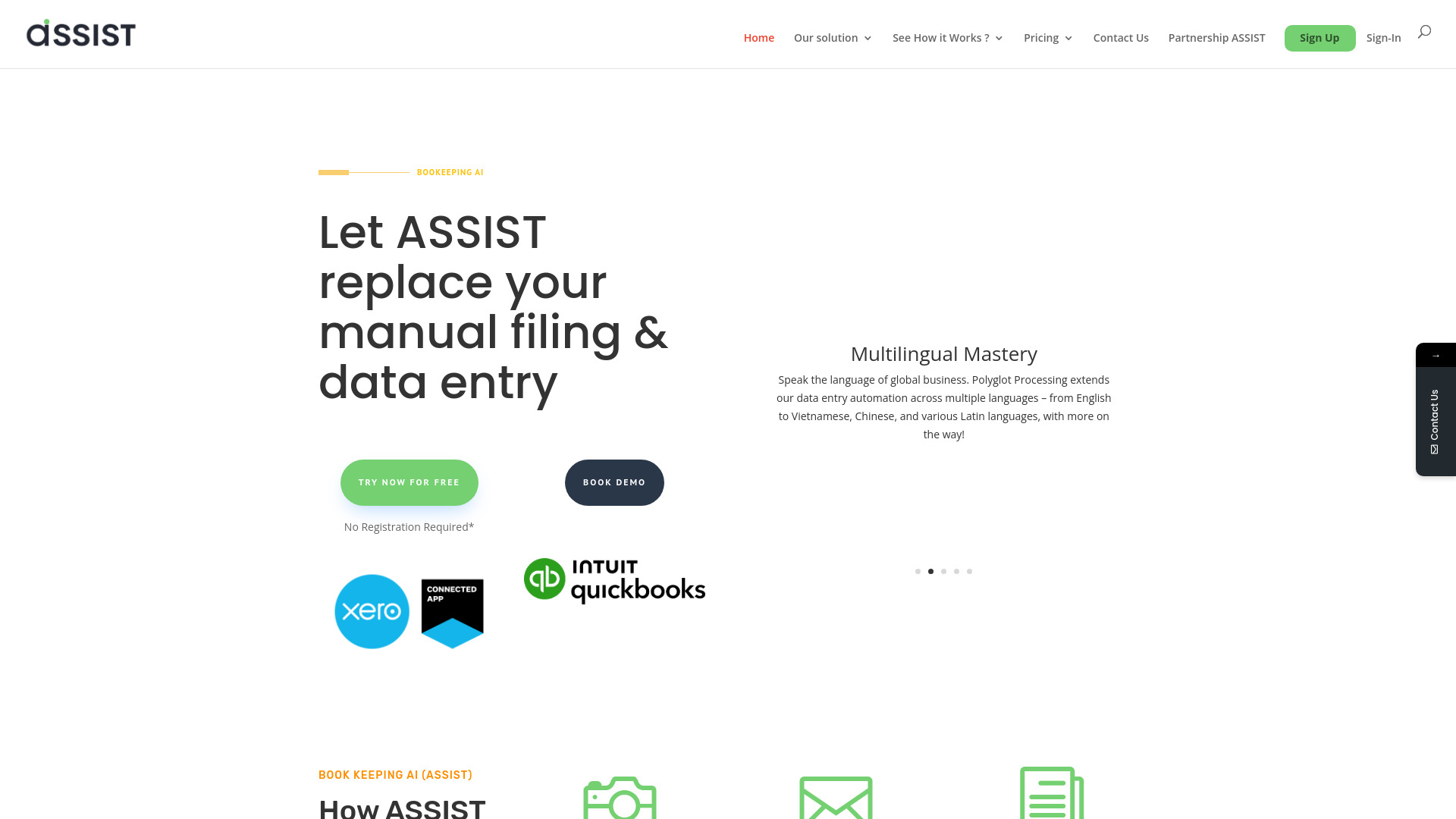
ASSIST Biz screenshot

Access & connections

Where you can use ASSIST Biz.

Platforms

Web

Capabilities

What this tool accepts, produces, and is strongest at.

Highlights

  • Automatic Data Entry
  • Smart Document Management
  • Optical Character Recognition (OCR)
  • E-invoice Compliance
  • Integration with Xero & QuickBooks
  • SmartLearn AI

FAQ 7

What is ASSIST.biz?
ASSIST is a document management software that keeps your financial records in order. From invoices, receipts to other business records, ASSIST captures data from these documents for easy extraction and reporting. ASSIST automates data entry, einvoice, simplifies AP & AR categorization, saving you time & cutting costs effortlessly. It integrates with Xero & QuickBooks. SmartLearn is a feature that makes processing documents easier and more accurate. It learns from past interactions and corrections to improve data extraction from invoices and receipts.
How to use ASSIST.biz?
Capture or scan your documents, upload or send via email, and the system will automatically extract your data.
How do I sign-up for Trial?
Guide on how to sign-up for Free trial: 1. Sign-up 2. Enjoy your free trial for 30 pages! Watch this video to know more on how to get your free trial: https://www.youtube.com/watch?v=F9lze-Gyhv4
What is SmartLearn feature?
SmartLearn is our feature that makes processing documents easier and more accurate. It learns from past interactions and corrections to improve data extraction from invoices and receipts. SmartLearn adapts to your needs, ensuring correct data with minimal effort.
Why are my documents not sent to ASSIST? (File limitation)
If you have received the Documents delivery failed email from ASSIST, Please check the file limitation indicated below. Size limit: < 1500 KB Format: jpg, jpeg, png, pdf Note: You can send multiple files at once. if you still facing the delivery failure issue, please do not hesitate to contact ASSIST team at [email protected]
How to add additional users to my existing company?
You have already signed-up for your company and would like to add your colleagues to the company? 1. Go to settings 2. Click on Users 3. Click on +add users or Edit details 4. Key-in the information required for additional user 5. Save updates 6. Additional user will receive the “welcome Email” from ASSIST
How do I cancel my subscription?
How to terminate the subscription? There are 2 options available for you to cancel the subscription. 1. Settings -> Plans -> Click on “Downgrade to Free Plan” 2. Settings -> Billing -> Click on “Cancel Subscription”
ASSIST Biz Free + from $8

