

AppFlows ✓
Create visual app specs with words, fast.
Verdict
A quick read before you dig into the full page.
- Best if
- Create visual app specs with words, fast
- Skip if
- Generating screenshots can limit creativity
- Pick this when
- Fast creation of visual specs
Considering Whacka instead? Compare side by side
Overview
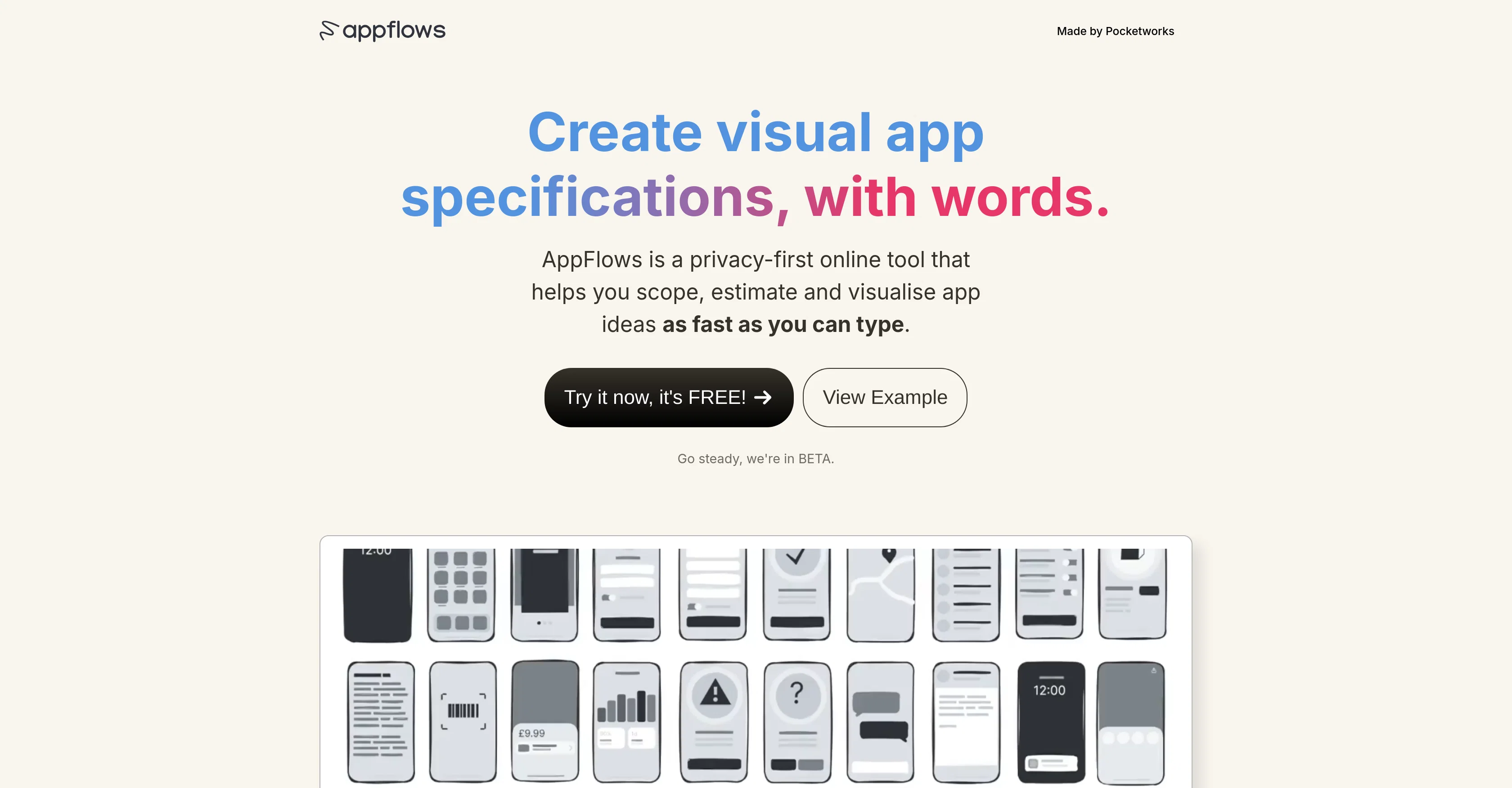
AppFlows is an online set of tools designed to assist product teams and founders in visualising, scoping, and estimating app ideas. Its features include fast creation of visual app specifications, mobile strategies, and marketing plans through a typing interface, eliminating the need for detailed layouts and design decisions.
It prioritises privacy, storing all data in the user's browser until explicitly allowed to send to servers or third parties. AppFlows aids in designing the user journey by automatically generating example screenshots as app features are typed out, fostering a more engaging experience for investors and aiding internal team discussions.
Additionally, it aids in growth planning, using real industry data to help understand necessary user numbers and marketing budgets. The tool also incorporates strategic planning facilities with its Mobile Strategy Canvas.
Users can also opt for input from app specialists for a fee, and utilise the trained AI coach to improve specifications and mobile strategy. Conceived and used by Pocketworks, the aim of AppFlows is to facilitate the writing down of app ideas quickly and visually, identifying gaps in app roadmaps and aiding in the creation of robust business plans.
Access & connections
Where you can use AppFlows.
Platforms
Capabilities
What this tool accepts, produces, and is strongest at.
Input
- Text
Output
- Text
Pros & cons
Pros
- Fast creation of visual specs
- Mobile strategies creation
- Marketing plans creation
- Data stored in user's browser
- Designing user journey
- Automatic example screenshots
- Engaging investor experience
- Assisting team discussions
Show 29 more
- Real industry data for planning
- Strategic planning facilities
- Input from app specialists
- Identifying roadmap gaps
- Visualisation of app ideas
- Privacy prioritisation
- Robust business plan creation
- Eliminates need for design
- Free tool
- Facilitates quick idea jolting
- Privacy-first tool
- Exports in table or PDF
- Library of app best practices
- Uses real industry data
- For subscription or regular apps
- See projected revenue
- Mobile Strategy Canvas
- Share your concept online
- Built by experts in mobile
- Developed by Pocketworks
- Spot gaps in roadmap
- Fast, visual communication of ideas
- Features are opt-in
- Your data remains private
- Offers support
- Completely free forever
- Crafting app concepts quickly
- High-level concepts
- Can inform your marketing plan
Cons
- Data stored in browser
- Requires explicit data sharing
- No detailed layouts
- Generating screenshots can limit creativity
- Fee for specialist input
- No offline version
- Beta version, possible instability
- Not suitable for detailed design
Compare alternatives
Similar tools in the catalog — with a clear reason to open each one.


AppDeploy ✓
FreeDeploy real apps directly from ChatGPT or Claude
Why look Offers a public API
Full comparison
Anything - AI App Builder ✓
FreemiumTurn your words into apps, sites, and products.
Why look Higher community rating
Full comparison


Releases 1
FAQ 12
What is AppFlows?
How can AppFlows help me scope and visualize my app ideas?
Can AppFlows help me estimate the budget for app development?
What are the main features of AppFlows?
How does AppFlows maintain data privacy?
What is Mobile Strategy Canvas in AppFlows?
How does AppFlows generate example screenshots?
How does AppFlows aid in growth planning?
How can I utilize the AI coach in AppFlows?
What is the functionality of the typing interface in AppFlows?
Can I get expert assistance using AppFlows?
How do I use AppFlows to identify gaps in my app roadmap?
Related tools
Recommended

TableSprint ✓
FreemiumBuild future-ready apps without code in minutes.

Lovable ✓
Free TrialBuild software products using chat

Softgen ✓
PaidAI-powered web app builder, no coding required.

Swiftspeed ✓
FreemiumBuild and publish native mobile apps without code

Firebase Studio ✓
UnknownThe full stack AI workspace for accelerated development

Automateed ✓
Free TrialCreate eBooks effortlessly with Automateed, the AI-powered writing tool.