
anytalk.ai
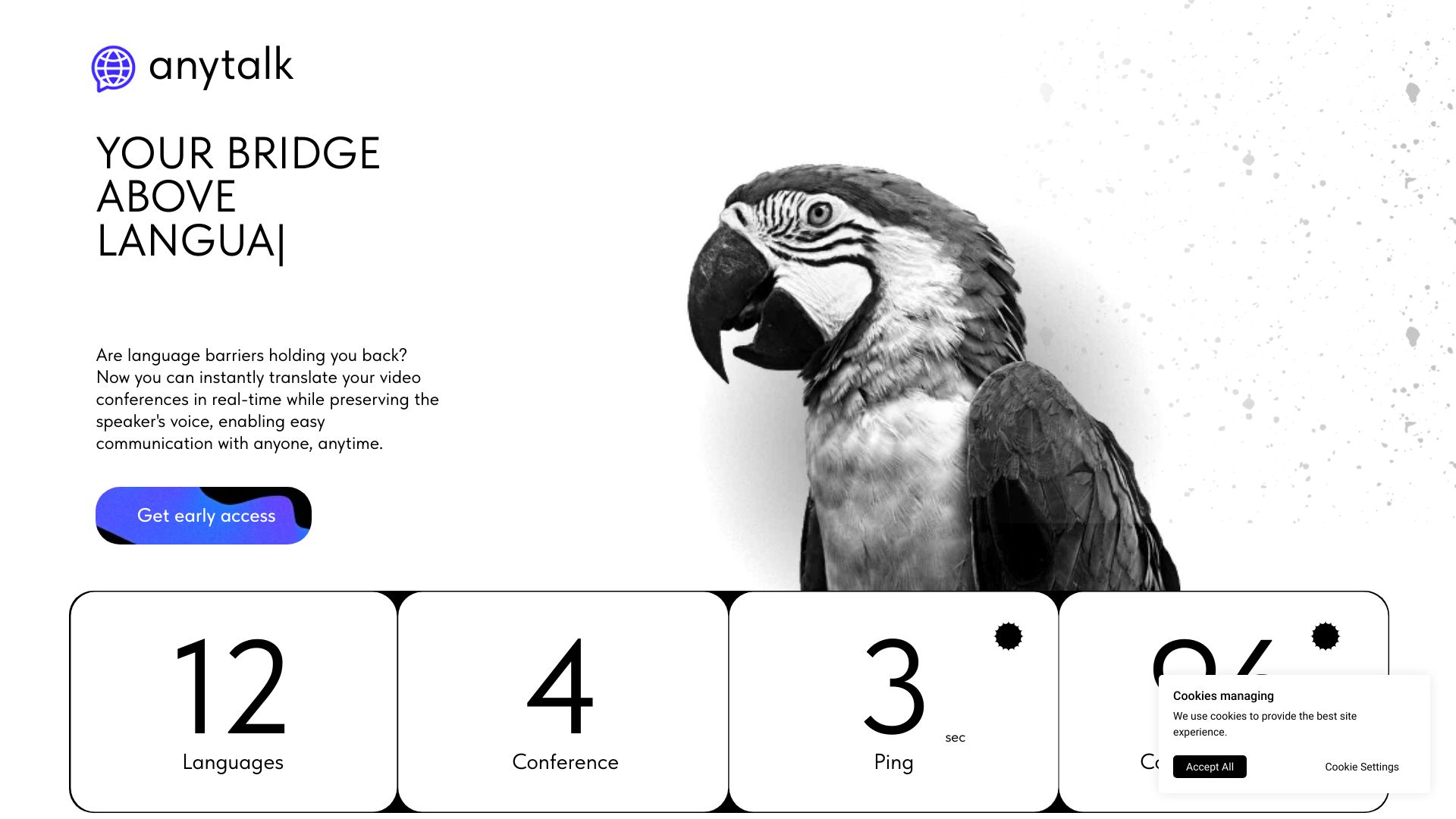
Real-time translation and voiceover app for video conferences and other content.
Source rating 5.0
(72)
1.8k views
1.8k/mo traffic
0 saves
Unknown
Verdict
A quick read before you dig into the full page.
- Best if
- Real-time translation and voiceover app for video conferences and other content
- Pick this when
- Real-time translation and voiceover app for video conferences and other content
Overview
Anytalk is a real-time translation and voiceover application that instantly translates video conferences while preserving the speaker's voice. It aims to enable easy communication with anyone, anytime, by translating audio and video streams into different languages. Anytalk supports meetings, lectures, streams, and videos, allowing users to seamlessly communicate in any language. It also offers a browser extension for instant translation and is developing applications for Windows/MacOS and eventually iOS/Android.
Access & connections
Where you can use anytalk.ai.
Platforms
Capabilities
What this tool accepts, produces, and is strongest at.
Highlights
- Real-time translation of video and audio streams
- Voice preservation during translation
- Browser extension for instant translation
- Support for meetings, lectures, streams, and videos
- Secure WebSocket connection
FAQ 8
What is Anytalk?
Anytalk is a real-time translation and voiceover application that instantly translates video conferences while preserving the speaker's voice. It aims to enable easy communication with anyone, anytime, by translating audio and video streams into different languages. Anytalk supports meetings, lectures, streams, and videos, allowing users to seamlessly communicate in any language. It also offers a browser extension for instant translation and is developing applications for Windows/MacOS and eventually iOS/Android.
How to use Anytalk?
Install the Anytalk browser extension from the Google Store and open the page with the content you want to translate. Start the extension, and it will translate the audio and video in real-time. For the full-fledged application (future release), download and install it on Windows/MacOS (and later iOS/Android).
What is the record retention policy?
Anytalk does not save records of your conversations; all data follows a strict user-script-user schema, and all temporary files are deleted instantly after processing. Furthermore, we communicate through a secure WebSocket connection, so nobody can steal your conversations during the process.
What is the translation delay and will you minimize it?
Right now the delay is about 4 seconds. One second lag is almost unachievable, we just don't have the resources, but we are aiming for it. In the future we want to improve translation quality and reduce latency as much as possible by training our AI.
Will new languages be added?
Yes, we plan to add 1 new language every month. We want to achieve the most correct translation possible, thus training the model for each language separately with due care.
How to install? / How to start translating?
Download from Google Store and follow your browser instruction. Due to Google's policy, audio can only be captured from the tab where the extension was launched, so please start the extension after you have opened the page with your content.
Will the subscription be extended with new features?
Currently, the paid subscription only includes translation minutes. In the future, we will add voice cloning functionality, the ability to organize meeting notes based on your meetings, and much more – we're just getting started.
What browsers does the application support?
Our extension supports most browsers (Google Chrome, Brave, Microsoft Edge, and many others). A full-fledged application will be developed for Windows/MacOS, with plans to release a version for iOS/Android in the future.
Related tools
Recommended

anytalk.ai