
anyLanguage.ai
Instant AI language translator extension for browsers.
Source rating 5.0
(84)
0 views
0 saves
Unknown
Verdict
A quick read before you dig into the full page.
- Best if
- Instant AI language translator extension for browsers
- Pick this when
- Instant AI language translator extension for browsers
Overview
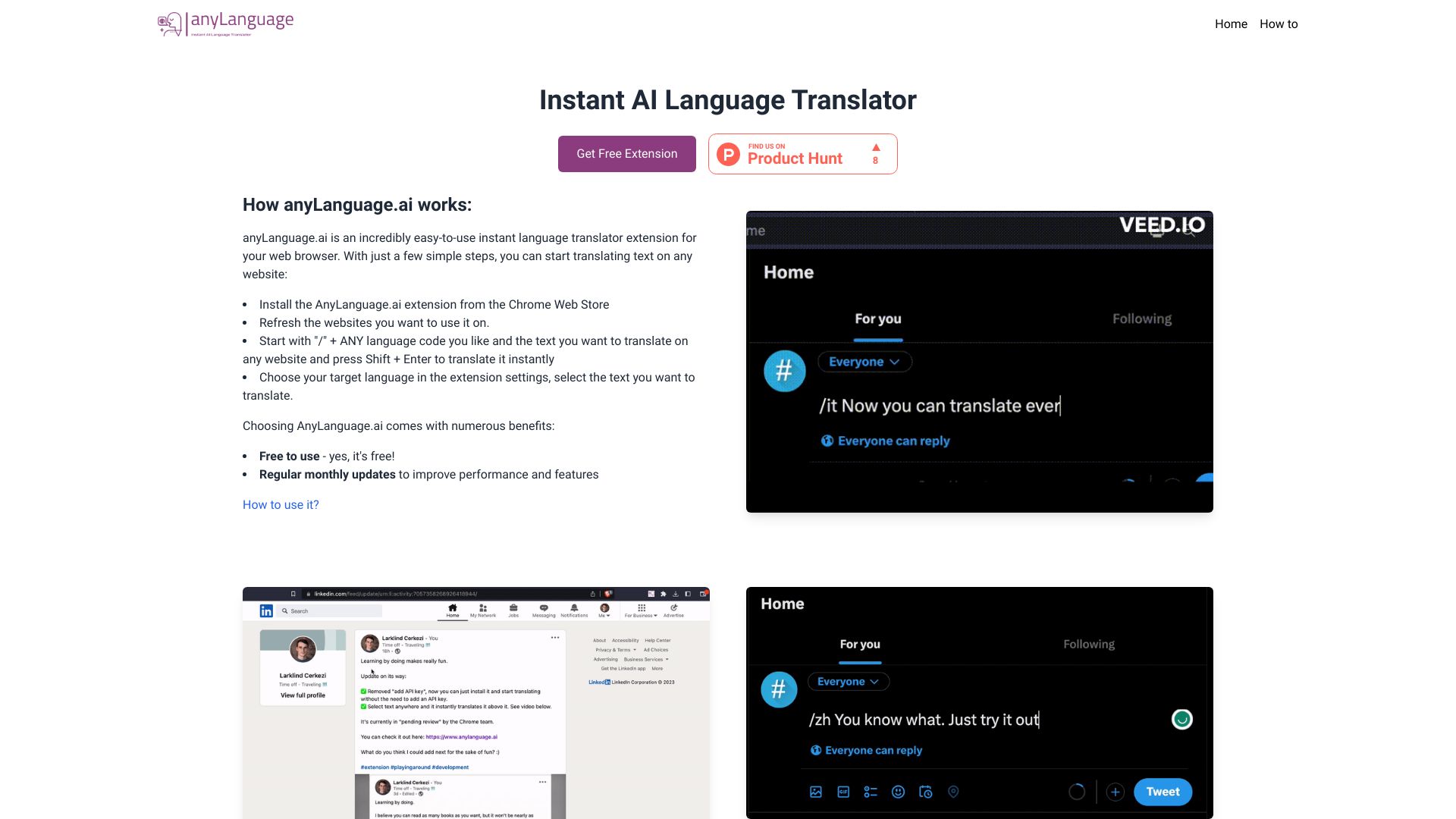
AnyLanguage.ai is an instant AI language translator extension for your browser. It allows you to translate text on any website by selecting the text and choosing your target language in the extension settings. You can also translate by starting with "/" + ANY language code and the text you want to translate, then pressing Shift + Enter.
Access & connections
Where you can use anyLanguage.ai.
Platforms
Capabilities
What this tool accepts, produces, and is strongest at.
Highlights
- Instant AI language translation on any website
FAQ 4
What is AnyLanguage.ai?
AnyLanguage.ai is an instant AI language translator extension for your browser. It allows you to translate text on any website by selecting the text and choosing your target language in the extension settings. You can also translate by starting with "/" + ANY language code and the text you want to translate, then pressing Shift + Enter.
How to use AnyLanguage.ai?
1. Install the AnyLanguage.ai extension from the Chrome Web Store.
2. Refresh the websites you want to use it on.
3. Translate by starting with "/" + ANY language code and the text you want to translate on any website and press Shift + Enter to translate it instantly.
4. Alternatively, choose your target language in the extension settings, select the text you want to translate.
2. Refresh the websites you want to use it on.
3. Translate by starting with "/" + ANY language code and the text you want to translate on any website and press Shift + Enter to translate it instantly.
4. Alternatively, choose your target language in the extension settings, select the text you want to translate.
How do I translate text on a website using AnyLanguage.ai?
You can translate text by starting with "/" + ANY language code and the text you want to translate on any website and press Shift + Enter to translate it instantly. Alternatively, choose your target language in the extension settings, select the text you want to translate.
Is AnyLanguage.ai free to use?
Yes, AnyLanguage.ai is free to use.
Related tools
Recommended


anyLanguage.ai