
Anomify
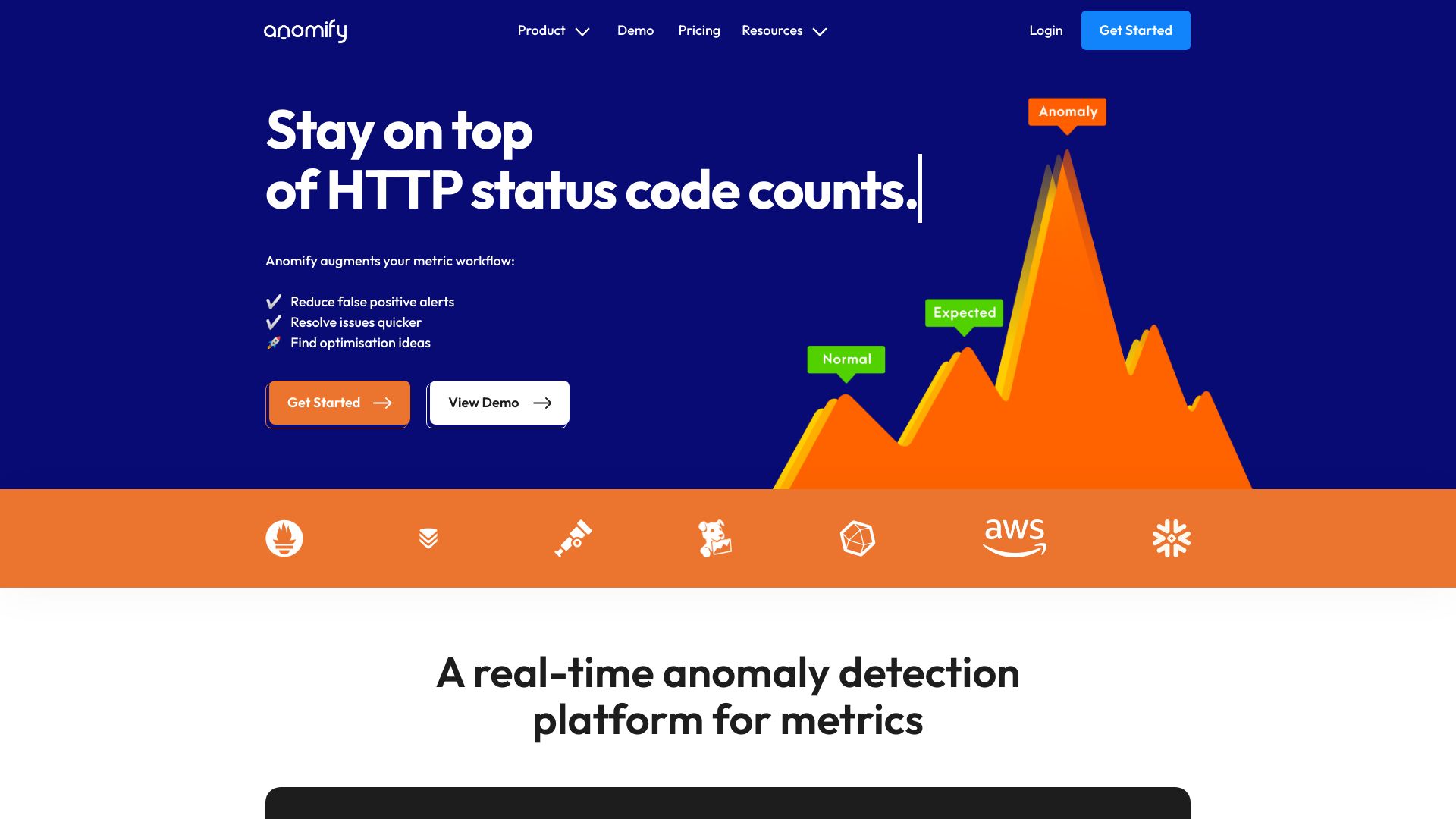
Anomaly detection AI platform for real-time metric analysis and issue resolution.
Source rating 5.0
(89)
3.2k views
3.2k/mo traffic
0 saves
Paid
From $250 Charged monthly
Verdict
A quick read before you dig into the full page.
- Best if
- Anomaly detection AI platform for real-time metric analysis and issue resolution
- Skip if
- You need a free plan with no credit card
- Pick this when
- Paid · From $250 Charged monthly
Overview
Anomify is a B2B SaaS product that uses anomaly detection AI to help companies react quickly to changes in their business metrics. It analyzes time-series metrics in real-time, detects anomalies, reduces false positives, and speeds up debugging. It supports various industries including IT infrastructure, affiliate marketing, logistics, and manufacturing.
Access & connections
Where you can use Anomify.
Platforms
Capabilities
What this tool accepts, produces, and is strongest at.
Highlights
- Real-time anomaly detection
- False positive reduction
- Root cause analysis
- Optimization identification
- Integration with common time-series databases
FAQ 12
What is Anomify?
Anomify is a B2B SaaS product that uses anomaly detection AI to help companies react quickly to changes in their business metrics. It analyzes time-series metrics in real-time, detects anomalies, reduces false positives, and speeds up debugging. It supports various industries including IT infrastructure, affiliate marketing, logistics, and manufacturing.
How to use Anomify?
To use Anomify, sign up for a free account, send metrics to the ingestion endpoint or connect a time-series database, and let Anomify continuously analyze the metrics for anomalies and correlations. Set up alerts on important metrics and train the analysis to reduce false positives.
Will Anomify work with my stack?
Using the free account you can send metrics from anywhere to a dedicated endpoint directly via POST request. You can also send metrics directly using Telegraf, the InfluxDB agent, Graphite or Prometheus. Depending on your service level, a number of plugins and connectors are avilable for common time-series databases and tools like CollectD, StatsD, Google Analytics, Open Telemetry Collector, MySQL, SQL Server. If we don’t support your datastore yet, please get in touch so we can add it to the roadmap.
How does Anomify compare to other monitoring tools?
Anomify adds an additional dimension to your monitoring/observability set up. Where generally you have rules and thresholds set on things, Anomify monitors all your metrics in the background, keeping an eye on everything. Rules, thresholds and SLO (Service Level Objective) calculations do not necessarily aid in pinpointing what changed and where – in fact they exclude most metrics. Anomify monitors all metrics and identifies and records abnormal changes, giving you deep insights into your systems and applications when you need it. Users in your organisation can train Anomifyto recognise expected patterns, just as they would. This reduces false positive anomalies. Most anomaly detection platforms use unsupervised learning, which creates a disconnect between the user and the model which makes the anomaly assessment. Anomify’s transparent supervision provides a human explanation for the predictions it makes. Predictions can be amended to fit with your mental model of how the system should behave under normal conditions.
Is it hard to set up?
1. Sign up for a free account (2 mins). 2. Send metrics to ingestion endpoint or connect TSDB (30 mins). 3. Sit back and watch as your metrics are continuously analysed for anomalies and correlations. 4. Set up alerts on metrics that matter most. 5. Train the analysis with a click when false positive anomalies occur.
Can I add or remove metrics after signing up?
Yes, you can add and remove metrics from the dashboard or via the API.
Which metrics count against my quota?
Each new metric sent to Anomify counts against your metric quota. If you stop sending data against a metric it will continue to count against your quota. However, you may delete metrics and free up space in your quota.
What happens if I send more metrics than I’ve paid for?
Anomify keeps a record of the number of metrics you’ve sent; it will drop metrics that are sent above your metric quota. You can send metrics with a test header, which bypasses analysis, before committing them to your metric quota.
Do you offer discounts for annual commitments?
Yes, please contact [email protected]
Does it scale?
There is no upper limit on metrics. We can scale horizontally to meet your needs.
How do you store my data?
It depends on the data source we are receiving metrics from. Each source varies in the types of data they support and frequency at which they are stored. Anomify is not a metric store. For efficiency Anomify preprocesses raw metric data it receives every minute. It stores the processed data for analysis and dumps the raw values.Therefore the metric values recorded by Anomify may not exactly match those recorded in your metric store, but behaviour and trends will be the same. Anomify stores metric data at a frequency of one data point per minute. How we store data and for how long depends on the data source – it can be anywhere from 30 days with Prometheus/Influxdb/victoriametrics data to as long as 2 years with Graphite and other data sources. We also store the sections of time-series that have been trained on indefinitely for pattern matching. Your data will not be shared with any third parties.
How long will it take for analysis to become useful?
After receiving data for ~7 hours, Anomify will have enough data points to get started with analysis and for you to create a few test alerts on a handful of metrics. However realistically you should not consider setting up proper alerts until Anomify has received 7 days of data and has a good picture of expected data ranges.
Related tools
Recommended

Anomify
From $250 Charged monthly