
Androidify
AI-powered tool to customize Android bots from selfies or text.
Source rating 5.0
(54)
4.5k views
4.5k/mo traffic
0 saves
Unknown
Verdict
A quick read before you dig into the full page.
- Best if
- AI-powered tool to customize Android bots from selfies or text
- Pick this when
- AI-powered tool to customize Android bots from selfies or text
Overview
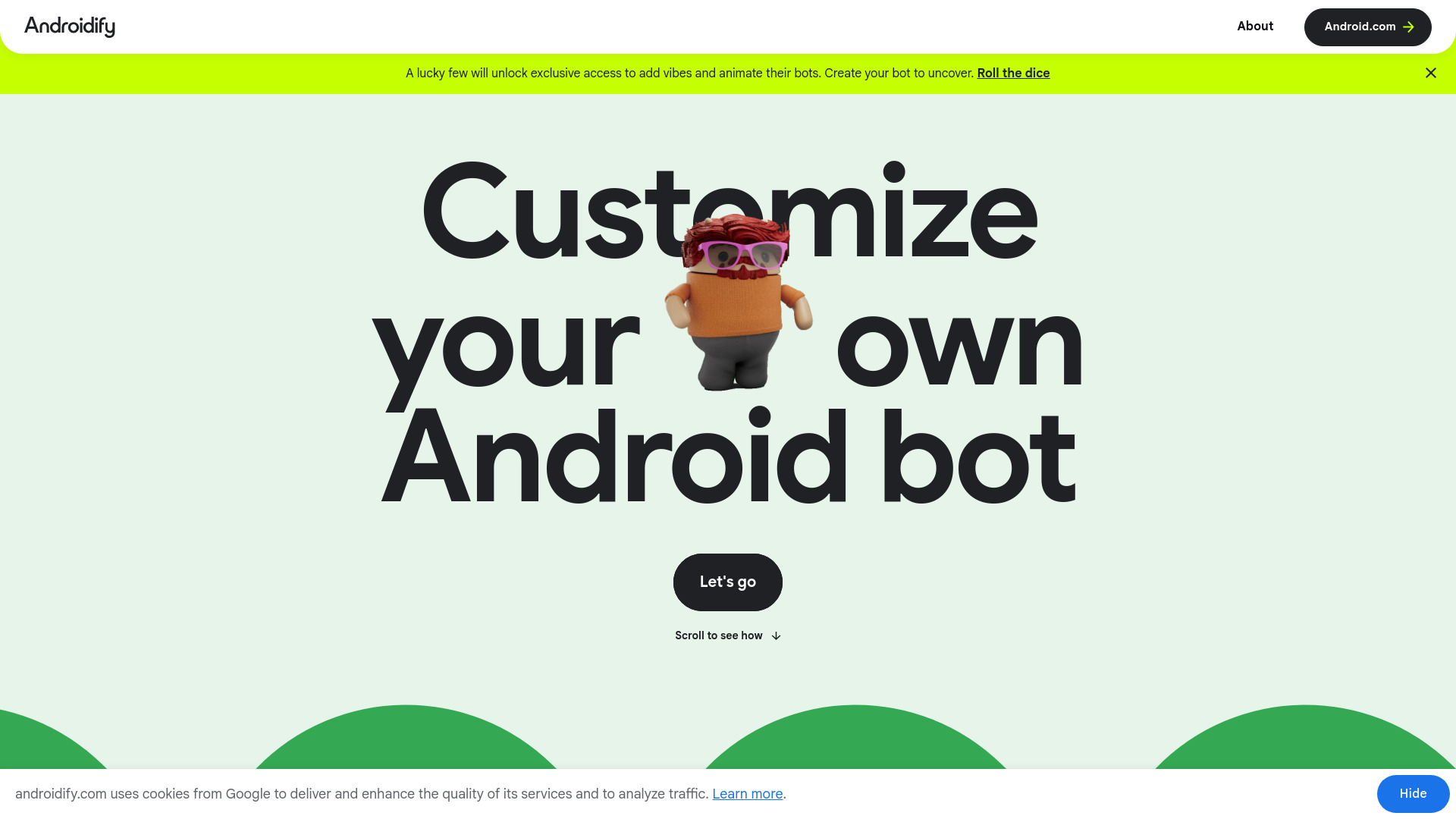
Androidify is an AI-powered online tool that enables users to customize their own unique Android bot. It allows creation from either a selfie photo or a text prompt, leveraging Google AI (Gemini Flash, Gemma, and Imagen) to generate the bot. For a select group of users, the platform offers exclusive access to add 'vibes' and animate their bots using Veo.
Access & connections
Where you can use Androidify.
Platforms
Capabilities
What this tool accepts, produces, and is strongest at.
Highlights
- AI-powered Android bot generation from photos or text prompts
- Customization options including accessories and bot color
- Opportunity to unlock animation and 'vibes' for bots (for select users)
- Download and sharing capabilities for generated bots
FAQ 8
What is Androidify?
Androidify is an AI-powered online tool that enables users to customize their own unique Android bot. It allows creation from either a selfie photo or a text prompt, leveraging Google AI (Gemini Flash, Gemma, and Imagen) to generate the bot. For a select group of users, the platform offers exclusive access to add 'vibes' and animate their bots using Veo.
How to use Androidify?
To use Androidify, you first upload a photo or enter a text prompt describing your desired Android bot. Google AI will then process this input to create your bot. You can further customize your bot by adding up to two accessories and choosing a specific color. Once satisfied, you can download your Android bot or share it via a unique URL. Some users may also unlock the ability to add a fun vibe and animate their bot with Veo.
How do I create an Android bot?
You can create an Android bot by uploading a selfie photo or entering a text prompt, and Google AI will generate it for you.
Can I add accessories or change my bot's color?
Yes, you can add up to two accessories and choose a custom color for your Android bot.
Is it possible to animate my Android bot?
A lucky few users will unlock exclusive access to add fun vibes and animate their bots using Veo.
How long will my created Android bot be available?
Your generated Android bot image and/or animation will be stored and available for 30 days via a unique URL and then automatically deleted.
Is my uploaded image stored on the site?
No, your uploaded image is not stored after your bot has been generated.
Is there an age restriction for using Androidify?
Yes, this site is intended for 18+ users.
Related tools
Recommended


Androidify