
AITabGroup
Browser extension for automatic tab categorization using AI.
Source rating 5.0
(85)
196 views
196/mo traffic
0 saves
Freemium
Free + from $1.99 / month
Verdict
A quick read before you dig into the full page.
- Best if
- Browser extension for automatic tab categorization using AI
- Skip if
- You need enterprise SLAs or a fully managed team plan right away
- Pick this when
- Freemium · Free + from $1.99 / month
Overview
AI Tab Group is a browser extension designed to automatically categorize and organize browser tabs using OpenAI's API. It allows users to create categorized tab groups with a single click, streamlining their browsing experience and improving productivity.
Access & connections
Where you can use AITabGroup.
Platforms
Capabilities
What this tool accepts, produces, and is strongest at.
Highlights
- Automatic tab categorization
- One-click creation of categorized tab groups
- Hierarchical tabs on one page (Pro)
- Save as markdown format (Pro)
- Save as bookmarks (Pro)
FAQ 4
What is AI Tab Group?
AI Tab Group is a browser extension designed to automatically categorize and organize browser tabs using OpenAI's API. It allows users to create categorized tab groups with a single click, streamlining their browsing experience and improving productivity.
How to use AI Tab Group?
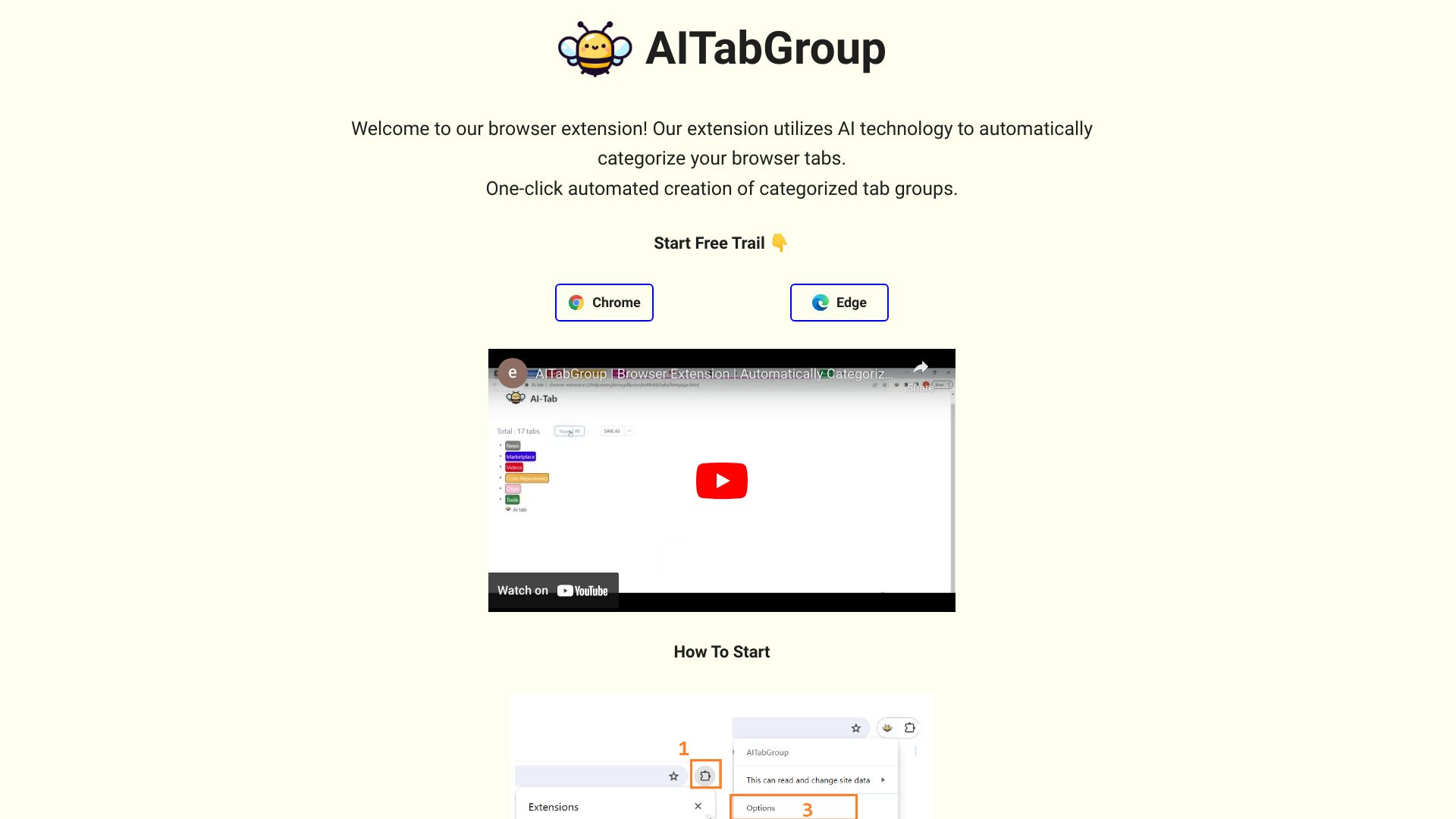
1. Click the extension icon. 2. Pin the extension. 3. Right-click the extension icon and select 'Options'. 4. Enter your OpenAI key in the options interface.
How does AI Tab Group categorize tabs?
AI Tab Group utilizes OpenAI's API to analyze the content of each tab and automatically categorize them based on their topic.
Do I need an OpenAI key to use AI Tab Group?
Yes, you need to enter your OpenAI key in the extension's options interface to enable the AI-powered categorization.
Related tools
Recommended

Nextbrowser ✓
FreemiumAI Browser Agent that automates professional tasks through chat.

PaioClaw ✓
Free TrialMost Secure and Easiest OpenClaw Ever. Live in 60 seconds.

Velo ✓
FreemiumAI video infrastructure to explain, train, and sell faster.

ChatHawk ✓
PaidChat with all flagship AI models simultaneously.

Flowith AI ✓
FreemiumUnleash deep work with AI-powered flow.
AITabGroup
Free + from $1.99 / month