ai signature generator

AISignature

AI signature generator for creating handwritten-style digital signatures.

Source rating 5.0 (93) 0 views 0 saves Freemium
More categories (3)

Free + from $4.08 per month ($48.99 billed annually)

Verdict

A quick read before you dig into the full page.

Best if
AI signature generator for creating handwritten-style digital signatures
Skip if
You need enterprise SLAs or a fully managed team plan right away
Pick this when
Freemium · Free + from $4.08 per month ($48.99 billed annually)

Overview

AISignature is an online AI signature generator designed to help users create professional, handwritten-style signatures from their names. Users can type their full name or initials to let the AI instantly render multiple cursive, business, or artistic variations, or they can draw their own signature using a mouse, trackpad, finger, or stylus on a built-in pad. The finished signature can be downloaded as a high-quality, transparent PNG image that can be effortlessly placed onto PDFs, contracts, invoices, certificates, and email footers without any white background boxes.

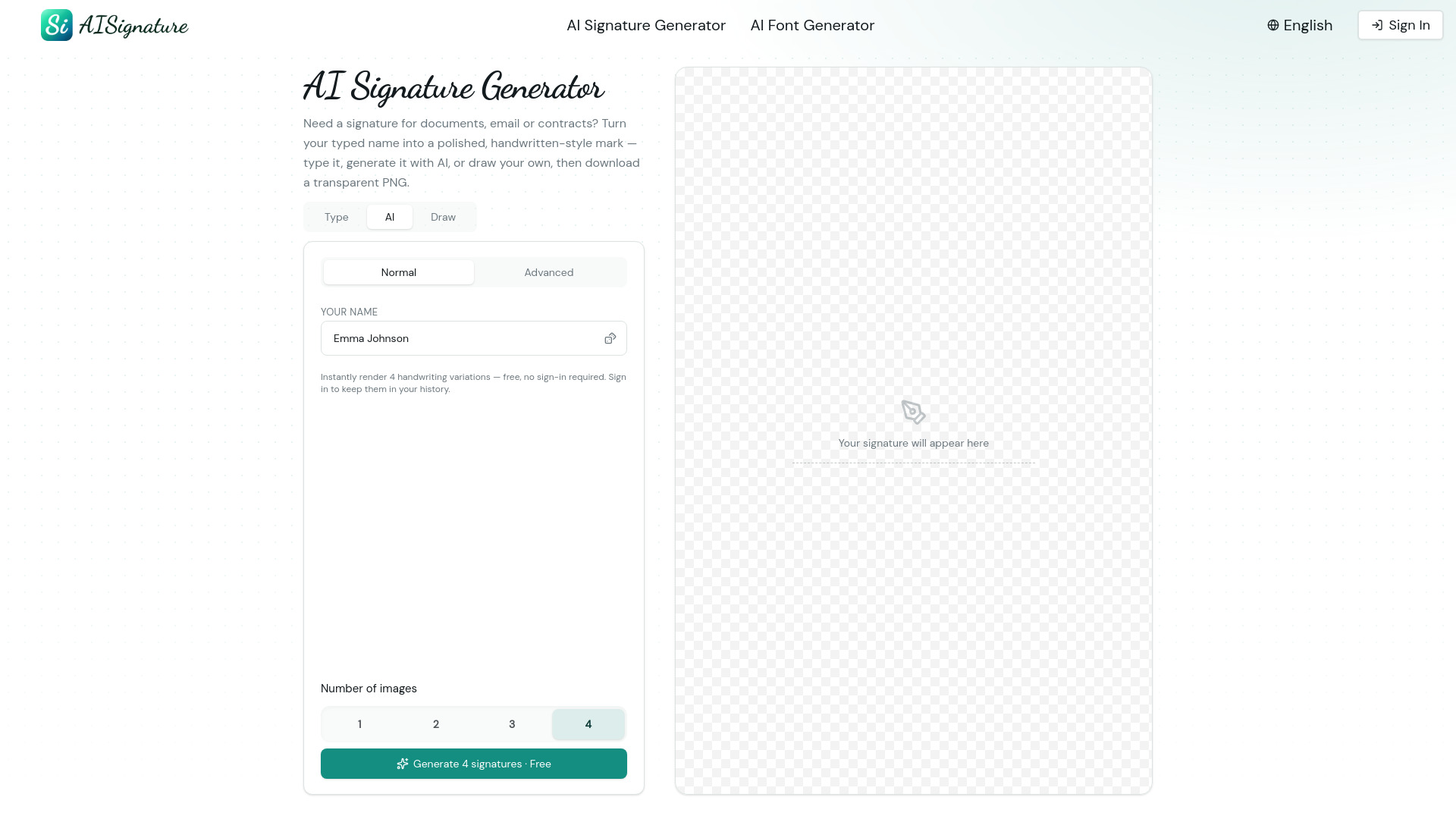
AISignature screenshot

Access & connections

Where you can use AISignature.

Platforms

Web

Capabilities

What this tool accepts, produces, and is strongest at.

Highlights

  • AI-powered typed-name-to-signature generation with cursive, business, and artistic styles
  • Built-in digital signature draw pad with automatic stroke smoothing
  • Clean, high-quality transparent PNG exports that fit flush on any background
  • No sign-up or registration required to generate and download basic variations
  • Side-by-side comparison tools to review up to 4 signature variations simultaneously

FAQ 5

What is AISignature?
AISignature is an online AI signature generator designed to help users create professional, handwritten-style signatures from their names. Users can type their full name or initials to let the AI instantly render multiple cursive, business, or artistic variations, or they can draw their own signature using a mouse, trackpad, finger, or stylus on a built-in pad. The finished signature can be downloaded as a high-quality, transparent PNG image that can be effortlessly placed onto PDFs, contracts, invoices, certificates, and email footers without any white background boxes.
How to use AISignature?
To create a signature, choose your preferred method: type your full name/initials into the generator or use the draw pad to sign manually with your mouse, trackpad, or finger. Next, review and cycle through the AI-generated cursive, business, and artistic handwriting styles, or regenerate until you find the right fit. Finally, download the finalized signature as a transparent PNG file and drop it directly onto your digital documents or email footers.
How does an AI signature generator work?
It takes your typed name or initials and uses artificial intelligence to stylize them into natural, flowing, handwritten lettering across cursive, business, and artistic aesthetics.
Can I draw my own signature instead of typing it?
Yes, the platform features a built-in signature maker and draw pad that allows you to sign with a mouse, trackpad, finger, or stylus. The tool automatically smooths and cleans up every stroke into a sharp digital mark.
Will the background of the downloaded signature be transparent?
Yes, every signature generated or drawn downloads as a transparent PNG, meaning it can sit flush on white or colored PDFs, contracts, and email footers without an awkward white box around it.
AISignature Free + from $4.08 per month ($48.99 billed annually)