Image editing

Aiarty Image Matting

Free AI tool for easy and clean image background removal.

Source rating 5.0 (90) 17k views 17k/mo traffic 0 saves Freemium
More categories (4)

Verdict

A quick read before you dig into the full page.

Best if
You are e-commerce businesses and need: E-commerce product image background removal
Skip if
You need enterprise SLAs or a fully managed team plan right away
Pick this when
Freemium · Free + from 5980円

Overview

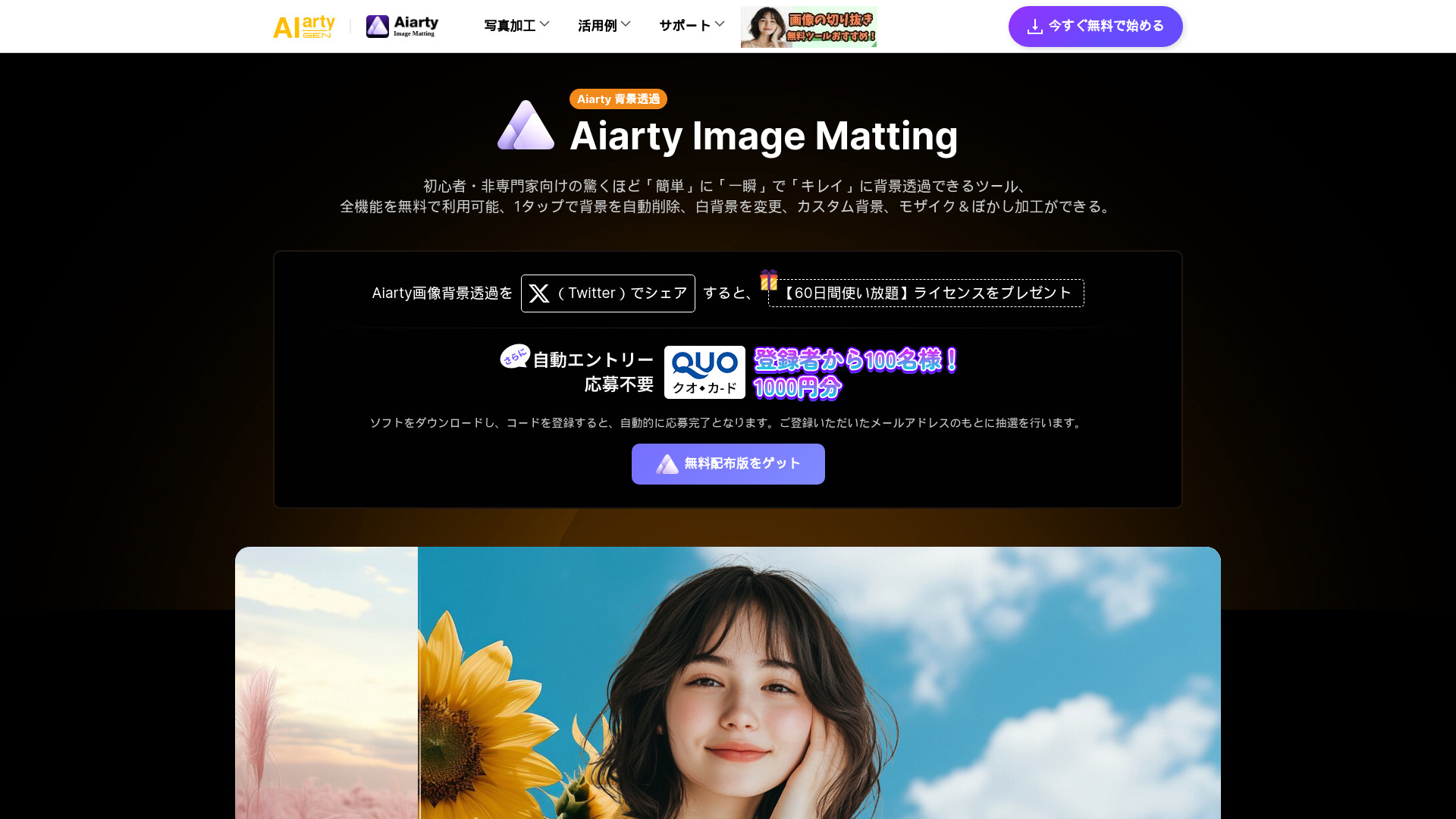
Aiarty Image Matting is a free AI-powered photo and image background removal/cutout tool. It allows users to easily, quickly, and cleanly remove backgrounds from images. It offers features such as automatic background removal with one tap, changing to a white background, custom backgrounds, and mosaic & blur effects. The tool processes images locally, ensuring the privacy and security of personal data.

Aiarty Image Matting screenshot

Best for

Short scenarios where Aiarty Image Matting tends to shine.

  • E-commerce product image background removal

    Best for E-commerce businesses

  • Portrait photo background removal

    Best for Graphic designers

  • Animal photo background removal

    Best for Photographers

  • Illustration background removal

    Best for Marketing professionals

  • Logo background removal

    Best for Social media managers

  • Photography background removal

    Best for Content creators

Example outputs 1

Sample generations and before/after results for Aiarty Image Matting.

Access & connections

Where you can use Aiarty Image Matting.

Platforms

Web

Capabilities

What this tool accepts, produces, and is strongest at.

Highlights

  • AI-powered background removal
  • White background change
  • Custom background options
  • Mosaic & blur effects
  • Local AI processing for privacy
  • Batch processing of up to 3000 images (paid plan)
  • Multiple subject detection (paid plan)
  • Advanced cutout features (paid plan)

People also view

Tools that often show up alongside Aiarty Image Matting in collections and comparisons.

FAQ 7

What is Aiarty Image Matting?
Aiarty Image Matting is a free AI-powered photo and image background removal/cutout tool. It allows users to easily, quickly, and cleanly remove backgrounds from images. It offers features such as automatic background removal with one tap, changing to a white background, custom backgrounds, and mosaic & blur effects. The tool processes images locally, ensuring the privacy and security of personal data.
How to use Aiarty Image Matting?
Upload an image to the Aiarty Image Matting tool, select an AI model, and preview and output the result. The tool automatically removes the background, allowing you to replace it with a solid color, blur, pixelation, or another image.
What are the payment precautions?
Data communication on this store uses an SSL system. All data is encrypted, so please rest assured. If an error page appears during purchase, you do not receive product registration information, or you have made a duplicate purchase, please contact us. Please note: Order emails are only for PC emails; registration information may not be delivered to mobile emails. If you have any questions about your payment, please contact our payment partner, 2Checkout. International phone: +31 88 000 0008 US and Canada: (650) 963 - 5701
How do I pay with a credit card?
1. Registration information will be automatically sent after purchase. 2. If you use a credit card, after "Order Completion", your registered email address and registration code will be displayed immediately on the confirmation page, and registration information will be sent by email. Depending on your internet usage, it may take several minutes to receive information about your purchased product.
How safe is it to purchase products from the official website?
It is 100% safe. Not only does our company protect the security of the purchase environment with HTTPS and SSL encryption, but we also use Verifone, one of the most trusted e-commerce companies in the world. Your personal information, such as credit card numbers and addresses, will not be disclosed without specific permission, so please rest assured.
After purchasing the product, how do I switch from the trial version to the product version?
1. Start the software and enter the registration screen. 2. Enter the email address and license code used for the order; 3. Click "Register" to complete the registration process. *Detailed operation method is as follows. Please note: * When entering "First Name" and "Last Name" in the "Order Information" section of the purchase screen, be sure to enter a half-width space between the "Last Name" and "First Name". * License codes can be entered in either lowercase or uppercase, but it is recommended to paste the registration information directly into the text box to avoid errors. * When entering registration information, please make sure that there are no spaces (blanks) before or after the information.
What should I do if I want to register on another computer?
The permanent license currently on sale can usually be used on up to one device, so if you uninstall the software without unregistering it and exceed the number of devices allowed, the use of the license code will be prohibited. Please unregister the software (delete the license) in the following cases: 1. When replacing another PC or Mac; 2. When upgrading from an old version to a new version; 3. When initializing the PC or changing the user account; Customers who are unable to unregister should feel free to contact our inquiry ([email protected]).
Aiarty Image Matting Free + from 5980円