
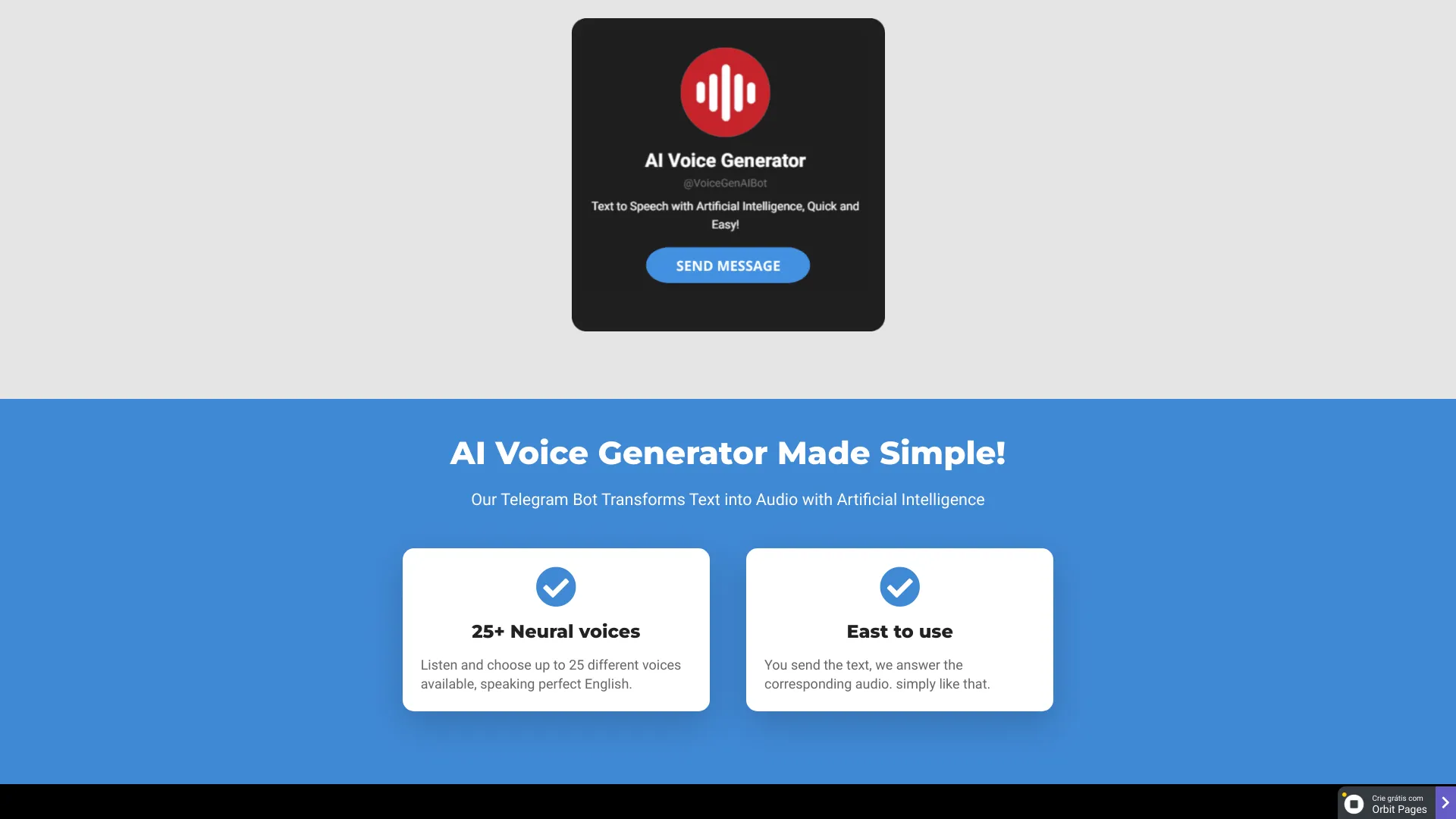
AI Voice Generator Bot
Telegram bot for converting text to natural-sounding voiceovers using AI.
Source rating 5.0
(98)
0 views
0 saves
Unknown
Verdict
A quick read before you dig into the full page.
- Best if
- Telegram bot for converting text to natural-sounding voiceovers using AI
- Pick this when
- Telegram bot for converting text to natural-sounding voiceovers using AI
Overview
AI Voice Generator is a Telegram bot that transforms text into natural-sounding voiceovers using artificial intelligence. It offers a quick and easy way to convert text into audio, with up to 25 different voices available, all speaking perfect English. The bot allows users to generate audio files in .ogg format directly within Telegram, which can then be downloaded and shared.
Access & connections
Where you can use AI Voice Generator Bot, and what it plugs into.
Platforms
Integrations
Capabilities
What this tool accepts, produces, and is strongest at.
Highlights
- Text-to-speech conversion within Telegram
- 25+ neural voices in perfect English
- Easy bot conversation for quick audio generation
- Downloadable audio files in .ogg format
FAQ 8
What is AI Voice Generator?
AI Voice Generator is a Telegram bot that transforms text into natural-sounding voiceovers using artificial intelligence. It offers a quick and easy way to convert text into audio, with up to 25 different voices available, all speaking perfect English. The bot allows users to generate audio files in .ogg format directly within Telegram, which can then be downloaded and shared.
How to use AI Voice Generator?
To use the AI Voice Generator, simply access the bot on Telegram via desktop or mobile, click 'start,' and type the text you want to convert into audio. The bot will respond with the automatically generated audio file.
How does it work?
Use Telegram on desktop or mobile, enter the bot, and click start.
What is the format of the generated audio file?
The audio is generated in .ogg format, which is used by Telegram.
Can I download the generated audio file?
Yes, below each generated audio, there is a button to download the file.
Can I export audio from Telegram to Whatsapp?
Yes, just download and then share via cell phone or WhatsApp web.
For which languages can I generate audios?
This bot only has voices for English, but inside the bot in the /help menu you will find instructions for the bot in Spanish or Portuguese.
What if I want to cancel my plan?
Access the Menu within the bot and follow the instructions to immediately cancel your subscription.
Related tools
Recommended

AI Voice Generator Bot