
AI Stock Keywords
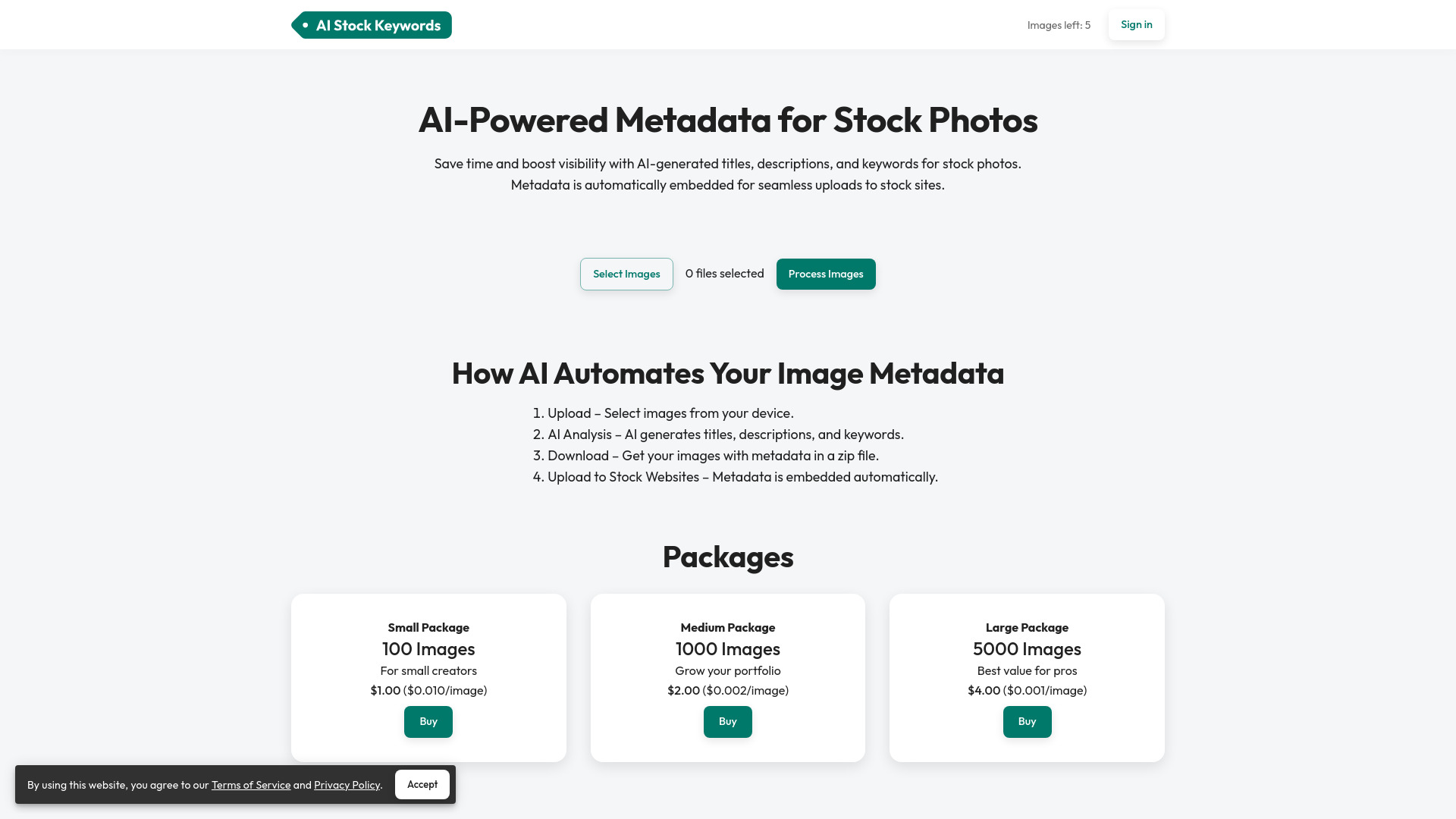
AI-powered tool to automate metadata generation for stock photos and videos, boosting visibility and saving time.
From $1.50
Verdict
A quick read before you dig into the full page.
- Best if
- You are stock photographers and need: Automating metadata creation for stock photos and videos to improve searchability and sales on platforms like…
- Skip if
- You need a free plan with no credit card
- Pick this when
- Paid · From $1.50
Overview
AI Stock Keywords automates the stock photography workflow by generating titles, descriptions, and keywords using AI. It saves time and increases visibility on stock platforms with optimized metadata. The service supports image and video metadata generation, allowing users to upload files, have AI analyze them, preview and edit the generated metadata, and download the metadata in CSV format or embedded into images.
Best for
Short scenarios where AI Stock Keywords tends to shine.
-
Automating metadata creation for stock photos and videos to improve searchability and sales on platforms like Shutterstock and Adobe Stock.
Best for Stock photographers
Example outputs 1
Sample generations and before/after results for AI Stock Keywords.
Access & connections
Where you can use AI Stock Keywords.
Platforms
Capabilities
What this tool accepts, produces, and is strongest at.
Highlights
- AI-powered metadata generation
- CSV metadata export
- Metadata embedding in images
- Support for multiple file formats (JPEG, PNG, MP4, MOV)
People also view
Tools that often show up alongside AI Stock Keywords in collections and comparisons.


FAQ 11
What is AI Stock Keywords?
How to use AI Stock Keywords?
What stock platforms are supported?
What file formats are supported?
Will the metadata be embedded in my images and videos?
Videos: No, metadata cannot be embedded directly into videos. Instead, you can download the metadata as a CSV file. Most stock platforms support uploading metadata via a single CSV file, which will apply the metadata to all your videos at once.
How to use CSV files?
You can find instructions on how to upload CSV files to stock platforms in the following links:
Adobe Stock
Shutterstock
Vecteezy
Freepik
Dreamstime