

AI Perfect Assistant
Supercharge Word with AI-powered writing assistance.
Free + from $9.99/mo
Verdict
A quick read before you dig into the full page.
- Best if
- Supercharge Word with AI-powered writing assistance
- Skip if
- Limited query limits
- Pick this when
- Microsoft Word integration
Overview
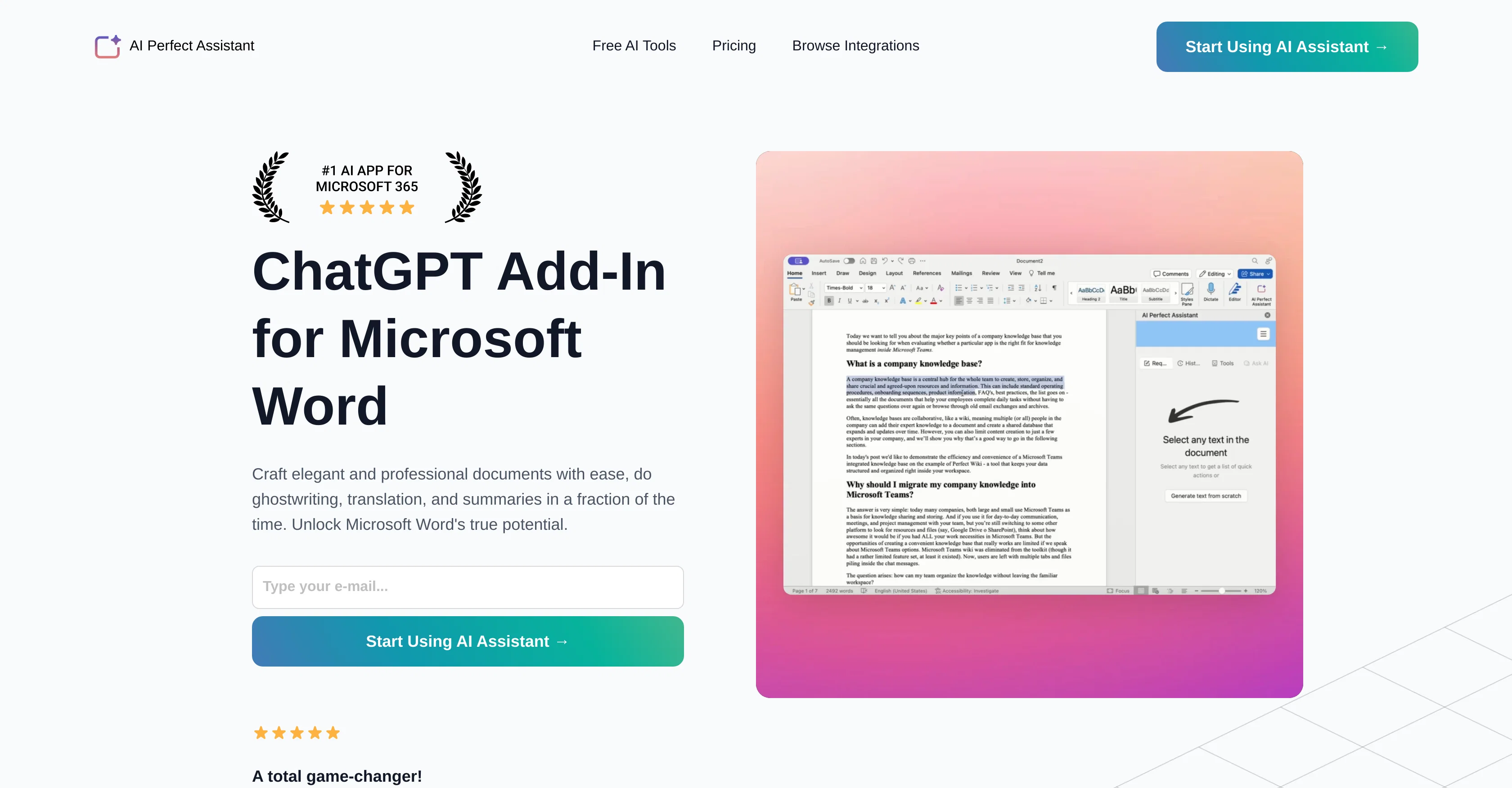
AI Perfect Assistant is an AI-powered productivity add-in for Microsoft Word that offers capabilities for efficient and descriptive writing. Its primary purpose is to assist users in crafting professional and succinct documents.
It provides tools for various writing tasks including drafting, ghostwriting, translation, and producing summaries. The integration of this tool with Microsoft Word aims to enhance the software's usability, streamlining writing processes and improving overall efficiency.
The assistant is also laden with functionalities that fix grammar mistakes, provide draft improvements, and automate the process of writing various types of documents, emails, and social media posts.
This add-in also includes a text summarizer, a paraphrase tool, and various content generators for social media purposes. Furthermore, it provides a tool to translate text and to create presentation outlines.
Users can access these features conveniently within their Microsoft Word application, marking this assistant as a comprehensive toolset for a wide range of writing needs.
Access & connections
Where you can use AI Perfect Assistant, and what it plugs into.
Platforms
Capabilities
What this tool accepts, produces, and is strongest at.
Input
- Text
Output
- Text
Pros & cons
Pros
- Microsoft Word integration
- Efficient descriptive writing
- Professional document crafting
- Ghostwriting feature
- Text translation tool
- Text summarizer
- Auto paraphrase
- Draft improvements
Show 16 more
- Streamlining writing processes
- Grammar fixer
- Automates writing processes
- Social media content generator
- Presentation outline creation
- Convenient tool access
- Subscription-based model
- Integration with Office 365
- Professional Support
- Full integration with Telegram
- Chrome Extension
- Daily tokens provision
- Regular Updates
- Positive user feedback
- Products for multiple Office apps
- Automates mundane tasks
Cons
- Requires Microsoft Word
- No MacOS support
- No Linux support
- No Android support
- No iOS support
- Limited free tokens
- Subscription needed for premium
- No refund policy
Show 2 more
- Limited query limits
- Requires installation
Releases 1
Imported reviews 1
Awesome tool! Using it on a daily basis!
FAQ 12
What is the main purpose of AI Perfect Assistant?
How does AI Perfect Assistant integrate with Microsoft Word?
Can AI Perfect Assistant correct grammar mistakes?
What types of documents can AI Perfect Assistant help write?
Does AI Perfect Assistant offer text translation services?
Can I generate social media posts using AI Perfect Assistant?
Does AI Perfect Assistant offer a tool to summarize text?
How do I install AI Perfect Assistant?
Does AI Perfect Assistant offer a tool for creating presentation outlines?
What features does the AI Perfect Assistant offer for drafting emails?
Can I paraphrase text using AI Perfect Assistant?
Does AI Perfect Assistant offer tools for generating various types of content?
Related tools
Recommended

TutorAI ✓
FreemiumInstant knowledge on any topic

SEO Writing AI ✓
Freemium1-click SEO-optimized articles generation

MagicSlides.app AI PPT Maker ✓
FreemiumCreate Stunning PPTs in Seconds with the AI PPT Maker

VenturusAI ✓
FreemiumBusiness idea analysis and reporting.

Scisummary ✓
Free TrialCutting-edge scientific articles summarization.

IllumiChat ✓
FreemiumFrom Ticket Backlog to Instant Answers Powered by AI