
AI Meeting Tool
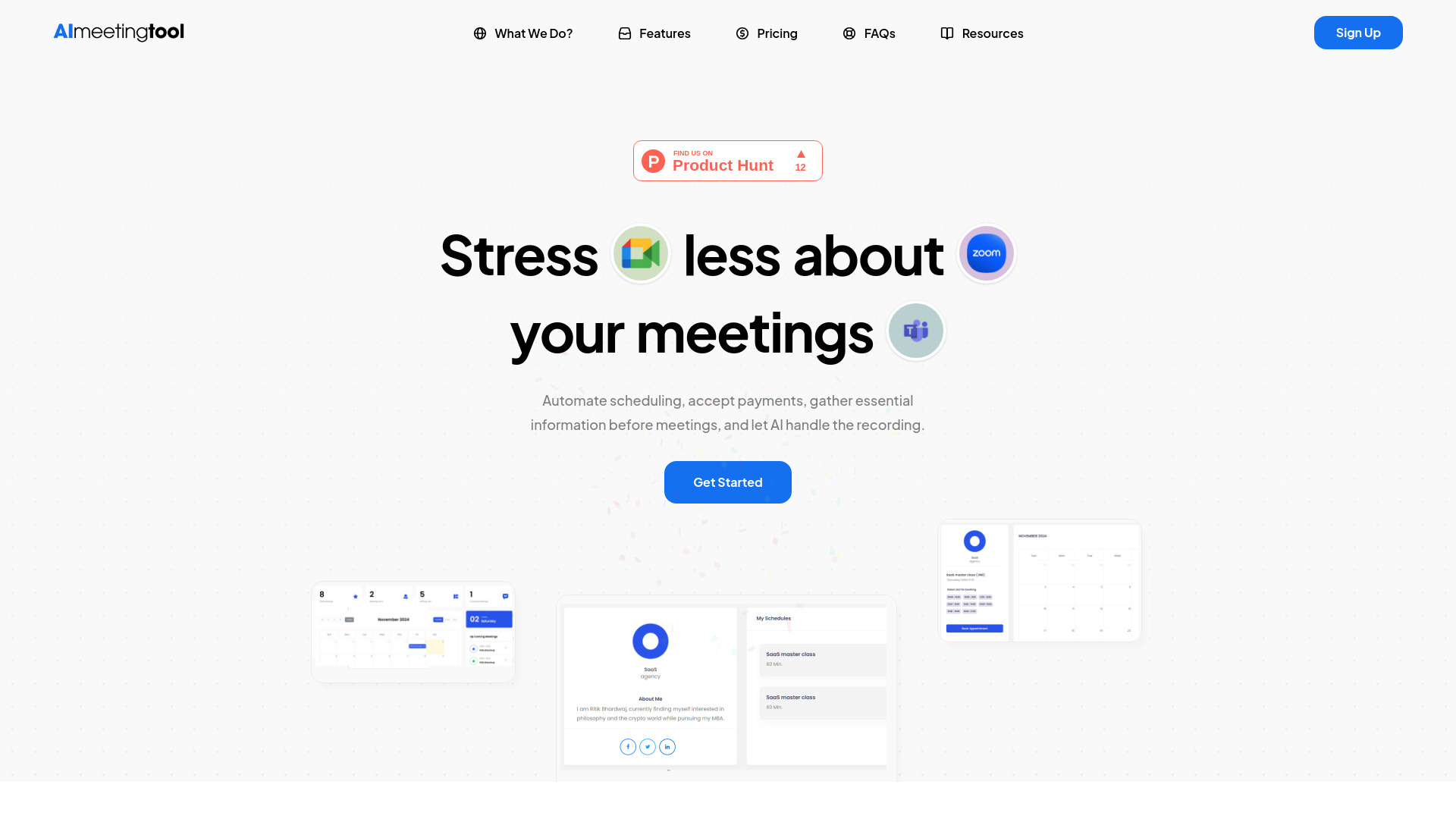
AI Meeting Tool automates scheduling, payments, and provides AI-powered meeting assistance.
Source rating 5.0
(95)
0 views
0 saves
Freemium
Free + from ₹149 / Per Month (₹1499.99 /Per Year)
Verdict
A quick read before you dig into the full page.
- Best if
- AI Meeting Tool automates scheduling, payments, and provides AI-powered meeting assistance
- Skip if
- You need enterprise SLAs or a fully managed team plan right away
- Pick this when
- Freemium · Free + from ₹149 / Per Month (₹1499.99 /Per Year)
Overview
AI Meeting Tool is a platform designed to streamline and automate various aspects of meeting management. It offers features such as automated bookings, payment acceptance, pre-meeting question collection, workflow automation, and an AI companion for summaries, insights, and roadmaps. The tool aims to reduce stress associated with meetings by automating scheduling, accepting payments, gathering essential information, and providing AI-powered recording and summarization.
Access & connections
Where you can use AI Meeting Tool.
Platforms
Capabilities
What this tool accepts, produces, and is strongest at.
Highlights
- Automated Bookings
- Payment Acceptance
- Pre-Meeting Question Collection
- Workflow Automation
- AI Meeting Companion
- Smart Links for Every Occasion
- Calendar Integration
- Custom Intake Forms
Show 1 more
- Package Creation
FAQ 10
What is AI Meeting Tool?
AI Meeting Tool is a platform designed to streamline and automate various aspects of meeting management. It offers features such as automated bookings, payment acceptance, pre-meeting question collection, workflow automation, and an AI companion for summaries, insights, and roadmaps. The tool aims to reduce stress associated with meetings by automating scheduling, accepting payments, gathering essential information, and providing AI-powered recording and summarization.
How to use AI Meeting Tool?
Use AI Meeting Tool to automate scheduling, accept payments via Stripe, PayPal, or Razorpay, create custom intake forms to gather client details, and automate workflows with customizable notifications and reminders. Integrate with calendars like Google Meet, Apple Calendar, Outlook, Teams, and Zoom.
What is the AI Meeting Bot?
The AI Meeting Bot captures audio, video, transcripts, and metadata from various video conferencing platforms, including Zoom, Google Meet, Microsoft Teams. It helps streamline meeting documentation and enhances your productivity by providing comprehensive insights from your virtual meetings.
What features do free account holders have access to?
Free plan offers over 90% of our features, including limitless events, opt-in meetings, multiple availability setups, endless calendar connections, recurring event options, monetization tools, analytics, third-party integrations, webhooks, automated workflows, routing forms, and so much more.
Does the AI Meeting Tool include an AI meeting bot in the free plan?
No, the AI meeting bot is not included in the free plan. To access AI powered meeting assistance, you’ll need to upgrade to a paid plan.
What payment methods do you accept?
We currently accept payments through PayPal and Razorpay.
Can I manage events through my connected calendars on AImeetingtool.com?
AImeetingtool coordinates with your connected calendars to check your availability for bookings.
What are Packages?
Packages allow you to bundle services for clients, whether you’re a doctor, consultant, or marketer, and get paid upfront before the meeting. Simply use the Packages feature to create tailored offerings with an easy drag-and-drop setup, attach your preferred payment gateway (Stripe, PayPal, or Razorpay), and view all details directly in your dashboard.
What is Date and Time Override?
Date or Time Override lets you mark specific times as unavailable on your calendar, whether it’s just a few minutes or a few hours. This ensures clients see your true availability and helps prevent missed bookings. Use Date or time Override to keep your schedule accurate and let clients know exactly when you’re open for calls
Can I Create and Send a Manual Invoice?
Yes! When someone books a meeting using the AI Meeting calendar, their email is automatically added to your potential customer list, even if it’s a free meeting. To send a manual invoice, go to “Invoices” in your dashboard, select the client from the dropdown, enter details like service or product price, tax, and discounts, and send it directly to your client with a single click.
Related tools
Recommended

AI Meeting Tool
Free + from ₹149 / Per Month (₹1499.99 /Per Year)