

AI Emoji Sticker Maker ✓
Create AI emojis and stickers from text.
Verdict
A quick read before you dig into the full page.
- Best if
- Create AI emojis and stickers from text
- Skip if
- Expensive in-app purchases
- Pick this when
- Text-to-emoji feature
Considering SDXL emoji instead? Compare side by side
Overview
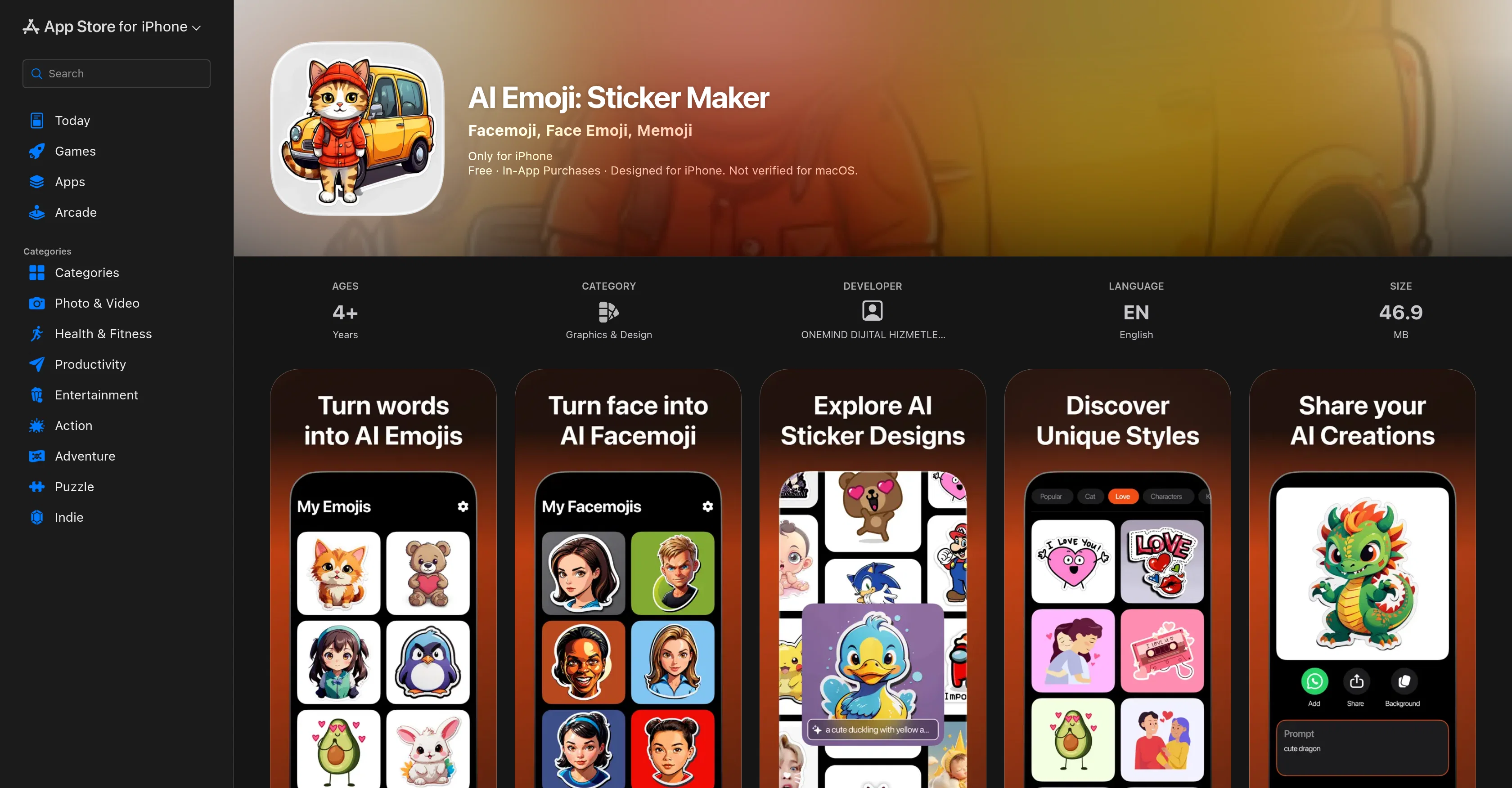
AI Emoji: Sticker Maker is an innovative app developed by ONEMIND DIJITAL HIZMETLER ANONIM SIRKETI, designed to help users create unique, personalized emoji stickers with AI technology.
The tool offers key features such as text-to-emoji, which enables users to type any text and transform it into an emoji, and face-to-facemoji, which allows users to upload a face photo and create a custom sticker from it in seconds.
To further broaden the creative possibilities, the application includes a wide variety of themes such as cats, K-pop, love, animals, and babies among others.
To guide the user through the creative process, the tool leverages AI algorithms that effortlessly transform ideas into unique stickers. Once created, users can easily download their AI-generated stickers and seamlessly share them in their chats to enliven conversations.
Regardless of the users' technical expertise, the application is designed to be user-friendly, providing an enjoyable and simple experience when creating emojis.
In addition, the system offers a catalog of AI sticker ideas to inspire users and spark their creativity. To ensure user safety, privacy practices as stated by the developer may involve handling of data and users are advised to familiarize themselves with the developer's privacy policy.
Access & connections
Where you can use AI Emoji Sticker Maker, and what it plugs into.
Platforms
Integrations
Capabilities
What this tool accepts, produces, and is strongest at.
Input
- Text
- Image
Output
- Image
Pros & cons
Pros
- Text-to-emoji feature
- Face-to-facemoji feature
- Wide variety of themes
- Transforms ideas into stickers
- Easy sticker download
- Share stickers in chats
- User-friendly interface
- Creative inspiration catalog
Show 33 more
- Ensures user safety
- Privacy practices clearly stated
- Creates personalized stickers
- App developed by renowned company
- Endless creative possibilities
- Quick custom sticker creation
- No technical expertise required
- Enlivens digital conversations
- Stickers for personal messages
- Suitable for all ages
- Designed for multiple platforms
- Regular performance improvements
- In-app purchases available
- Takes small space (46.9MB)
- English language supported
- Transforms text into emojis
- Transforms photos into emojis
- Predefined emojis available
- Custom emojis from photos
- Inspires digital creativity
- Supports sharing creations
- Offers graphic design options
- Facilitates user interaction
- Ensures users' privacy
- Continually updates themes
- Guides through creative process
- Allows saving sticker designs
- Unique sticker creation
- Creates fun chat experiences
- Promotes personalized messages
- Supports creative ideas
- Creates customized stickers
- Inspires using themed stickers
Cons
- Only for iPhone
- No macOS verification
- Requires iOS 14.0+
- Possibly invasive data tracking
- Third-party advertising
- Expensive in-app purchases
- Not specified accessibility features
- Frequent performance issues
Show 2 more
- Constant updates needed
- Potential privacy concerns
Compare alternatives
Similar tools in the catalog — with a clear reason to open each one.

SDXL emoji ✓
PaidTransform text into Apple-style emoji art.
Why look Stronger for image work
Full comparison

AnyMoji ✓
FreemiumEnhanced communication with personalized emojis.
Why look Freemium alternative
Full comparison
Aimoji ✓
FreemiumImproved communication using generated emojis.
Why look Freemium alternative
Full comparison
Gen Emoji ✓
Free TrialCreate unique AI-generated emojis from text.
Why look Typically cheaper
Full comparison