
AgentBrush
Your coding agent's missing tool: image generation
From $6.99 / month
Verdict
A quick read before you dig into the full page.
- Best if
- Your coding agent's missing tool: image generation
- Skip if
- You need a free plan with no credit card
- Pick this when
- Paid · From $6.99 / month
Overview
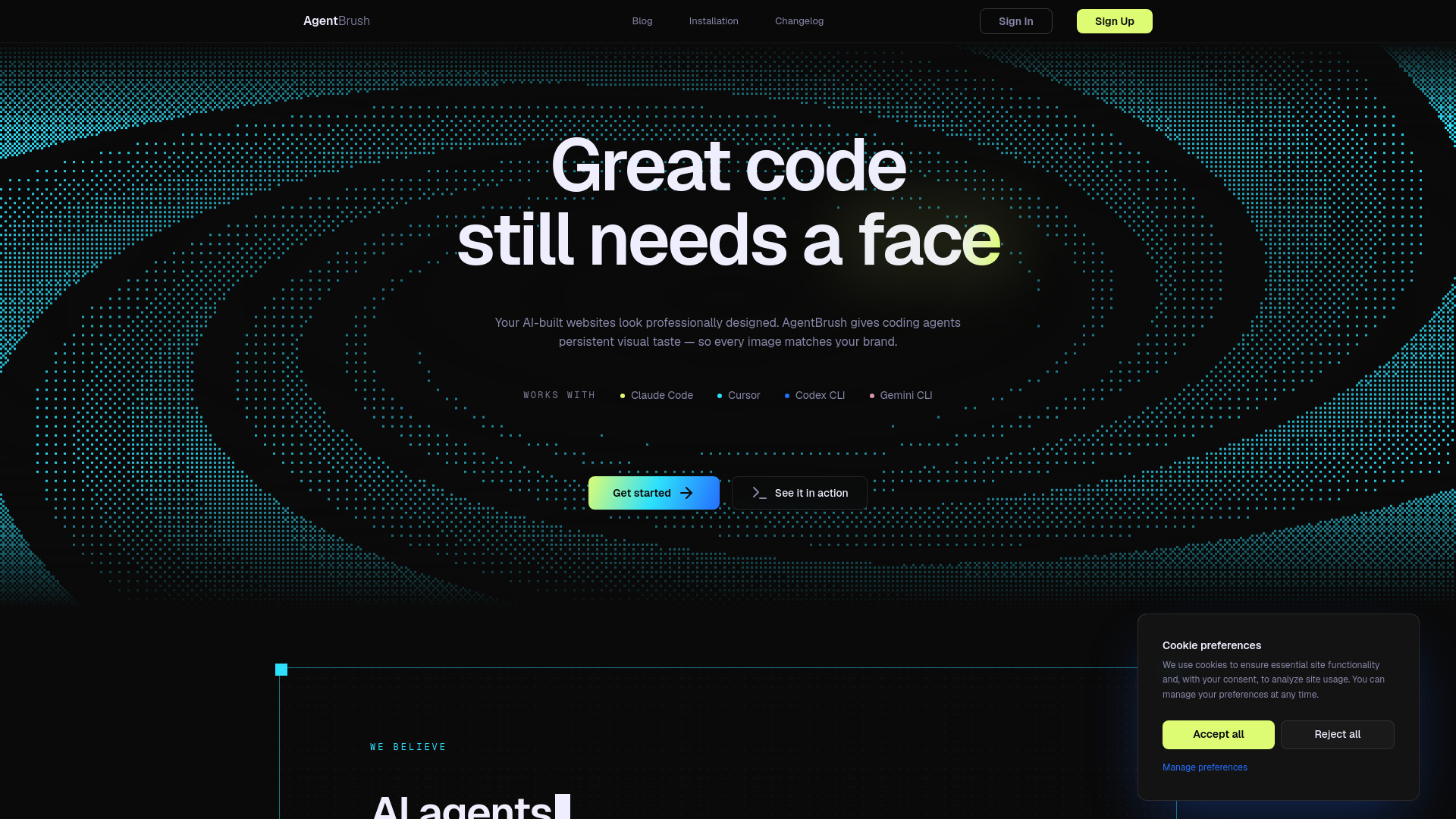
AgentBrush is an MCP server that lets AI coding agents automate image generation inside their workflows: the agent calls and chains the tools (generate, remove-background, save-as-reference) without leaving the editor. Feed it your brand once (colors, fonts, reference images) and every product shot, app icon, OG card, game sprite or mascot lands on-brand and drops straight into your repo. Includes style presets, reference-image consistency, a mask editor for region edits, legible multilingual text, and free local background removal. For Claude Code, Cursor, Windsurf and any MCP client.
Access & connections
Where you can use AgentBrush, and what it plugs into.
Platforms
Integrations
Capabilities
What this tool accepts, produces, and is strongest at.
Highlights
- Inline image generation inside your AI coding agent (Claude Code, Cursor, Windsurf, any MCP client)
- On-brand by default: feed it your colors, fonts and reference images once and every generation matches
- Reference-image locking so a product or character stays identical across scenes
- Automatic tool chaining: the agent runs generate, remove-background and save-as-reference itself as a step in the task
- Free local background removal for clean transparent PNGs (0 tokens)
- Mask editor for precise region edits without re-rolling the whole image
- Legible in-image text, including non-Latin scripts
- Style presets (realistic, custom and more)
Show 1 more
- Files save straight into your repo, no tab-switching and no API wiring
FAQ 9
What is AgentBrush?
How to use AgentBrush?
1. Create an account at https://agentbrush.dev and choose a plan.
2. Install the server: npm install -g @agentbrush/mcp-server
3. Authenticate: run "agentbrush-mcp init" (it opens your browser, click Approve).
4. Connect it to your agent.
- Claude Code: claude mcp add agentbrush --scope user -- agentbrush-mcp
- Cursor or any other MCP client: add it to your mcp.json:
{ "mcpServers": { "agentbrush": { "command": "agentbrush-mcp" } } }
5. Now just ask your agent in plain language, for example "generate a hero image and an OG card for this landing page." It calls AgentBrush and saves the files straight into your repo.


