

Clinical documentation 2026 Rank: #2863
AfterSession ✓
AI therapy notes in minutes.
Verdict
A quick read before you dig into the full page.
- Best if
- AI therapy notes in minutes
- Skip if
- Cost may increase after early-practice period
- Pick this when
- Quickly generates therapy notes
Considering AutoNotes instead? Compare side by side
Overview

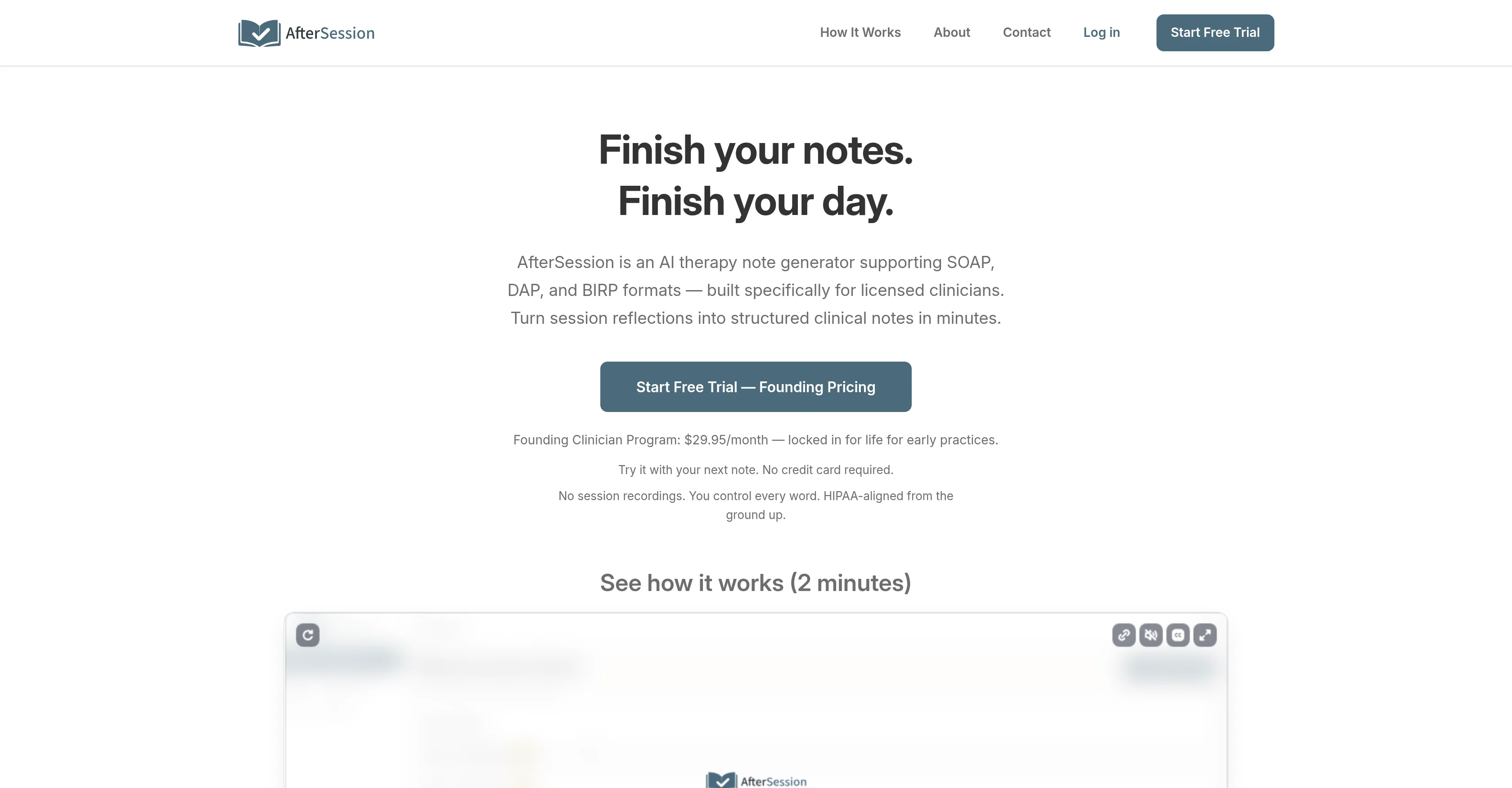
AfterSession is an AI therapy note generator designed to streamline clinical documentation processes for licensed clinicians. It offers support for various note formats, including SOAP, DAP, and BIRP.
Clinicians can utilize AfterSession to transform session reflections into structured clinical notes. This can be done either by typing or recording a brief spoken summary of the session, which the AI system then processes into an organized note.
The generated notes can be reviewed and edited before they're saved, ensuring that clinicians can maintain control over the content. A distinctive feature of this tool is the ability to customize the tone and phrasing of the AI, allowing the notes to reflect each clinician's individual voice.
The program doesn't require session recording, prioritizing the privacy of therapy sessions. Despite its comprehensive features, AfterSession does not replace a full EHR; rather, it works alongside existing systems and can be used across various devices.
It is built with a HIPAA-aligned infrastructure, ensuring that it meets industry standards for data encryption and privacy compliance. Notably, all voice notes are deleted after being processed, and no AI training is conducted on client data.
Thus, AfterSession serves clinicians who desire efficient documentation tools while also respecting the need for privacy and data security in therapy practices.
- Ai Therapy Notes
- No Session Recording Required
- Progress Note Generation
- Privacy-first Design
- Editable Notes
- Soap Notes
- Dap Notes
- Session Summaries
- Clinician Voice Consistency
- Structured Documentation
- Solo Clinician Friendly
- Small Practice Friendly
- Fast Note Generation
- Reduce Documentation Time
- No Audio Storage
Access & connections
Where you can use AfterSession.
Platforms
Capabilities
What this tool accepts, produces, and is strongest at.
Input
- Text
- Audio
Output
- Text
Supported features
- Medical
- Assistant
- STT
- Mobile Companion
- Text Generation
Pros & cons
Pros
- Quickly generates therapy notes
- Privacy-first documentation approach
- Full control of notes
- Editable generated notes
- Supports various note formats
- Transforms session reflections into notes
- No session recordings required
- HIPAA-compliant infrastructure
Show 38 more
- Data encryption and privacy compliance
- Voice notes deleted after processing
- Efficiency in documentation process
- Therapy session privacy
- Supports different formats (SOAP, DAP, BIRP)
- User-friendly interface
- Works alongside existing systems
- Compatible across various devices
- Supports mental health professionals
- Suitable for private practice providers
- Designed for post-session documentation
- Lightens administrative workload
- Addresses therapist burnout
- Affordable founding clinician program
- Option to use voice notes
- All data stays within US
- Business associate agreement provided
- No integration required
- Secure note storage
- Option to type or use voice
- Export to PDF or text
- Simple and transparent pricing
- No contracts, cancel anytime
- Efficient after-hours documentation
- Improves workflow efficiency
- Notes maintain clinician voice
- Respects need for data security
- Reduces after-hours work
- Subscription includes unlimited note generation
- Encourages consistent note-keeping
- Capacity to adjust note phrasing
- Helps finish notes same day
- Encourages clinician-controlled documentation
- Reduces time spent on documentation
- Small group practices support
- Addresses progress note burnout
- Flexible notes review and edit
- Promotes faster documentation completion
Cons
- Cost may increase after early-practice period
- Doesn't replace full EHR
- No live transcription tool
- Doesn't support clinical decision-making
- No full EHR integration
- No on-premise hosting option
- No scheduling or billing features
- No locking in notes
Show 2 more
- Doesn't capture full sessions
- Doesn't monitor conversations
Compare alternatives
Similar tools in the catalog — with a clear reason to open each one.

AutoNotes ✓
Free TrialAI writes your clinical notes after each session.
Why look Typically cheaper
Full comparison
AI4Docs.AI ✓
FreemiumClinical notes that write themselves in 100+ languages
Why look Typically cheaper
Full comparison
ClinFolio ✓
Free TrialTurn scattered doctor work into structured clinical portfolios.
Why look Typically cheaper
Full comparison
Releases 1
FAQ 12
What does AfterSession do?
Can AfterSession be used on different devices?
How is data secured and protected in AfterSession?
Do you need to record sessions to use AfterSession?
Does AfterSession substitute a complete Electronic Health Record(EHR) system?
How efficient is AfterSession in converting reflections into structured session notes?
Does AfterSession support different clinical documentation formats like SOAP, DAP, BIRP, GIRP and PIE?
Does AfterSession respect privacy and how does it comply with the HIPAA regulations?
Does AfterSession provide Business Associate Agreements (BAAs)?
How does AfterSession use AI to assist therapists with their documentation tasks?
Can users of AfterSession review and edit the generated clinical notes?
Is it possible to summarize sessions on AfterSession through voice notes?
Related tools
Recommended

Chattee AI App Builder ✓
Free TrialTurn ideas into full-stack apps instantly with GDPR-compliant builder.

MagicSlides.app AI PPT Maker ✓
FreemiumCreate Stunning PPTs in Seconds with the AI PPT Maker

B12 AI Website Builder ✓
FreemiumAI-powered website builder

GetLogit ✓
FreemiumArtificial intelligence, available for everyone.

Thea ✓
FreemiumAI study tools to master material, not just memorize it.

ChatGPT ✓
FreemiumAsk anything, create anything, and move from idea to action.