
3D House Planner
Free 2D/3D Floor Planner on the Web
Verdict
A quick read before you dig into the full page.
- Best if
- You are home designers and need: Visualize renovations before committing to costly work
- Skip if
- You need enterprise SLAs or a fully managed team plan right away
- Pick this when
- Free · Free
Overview
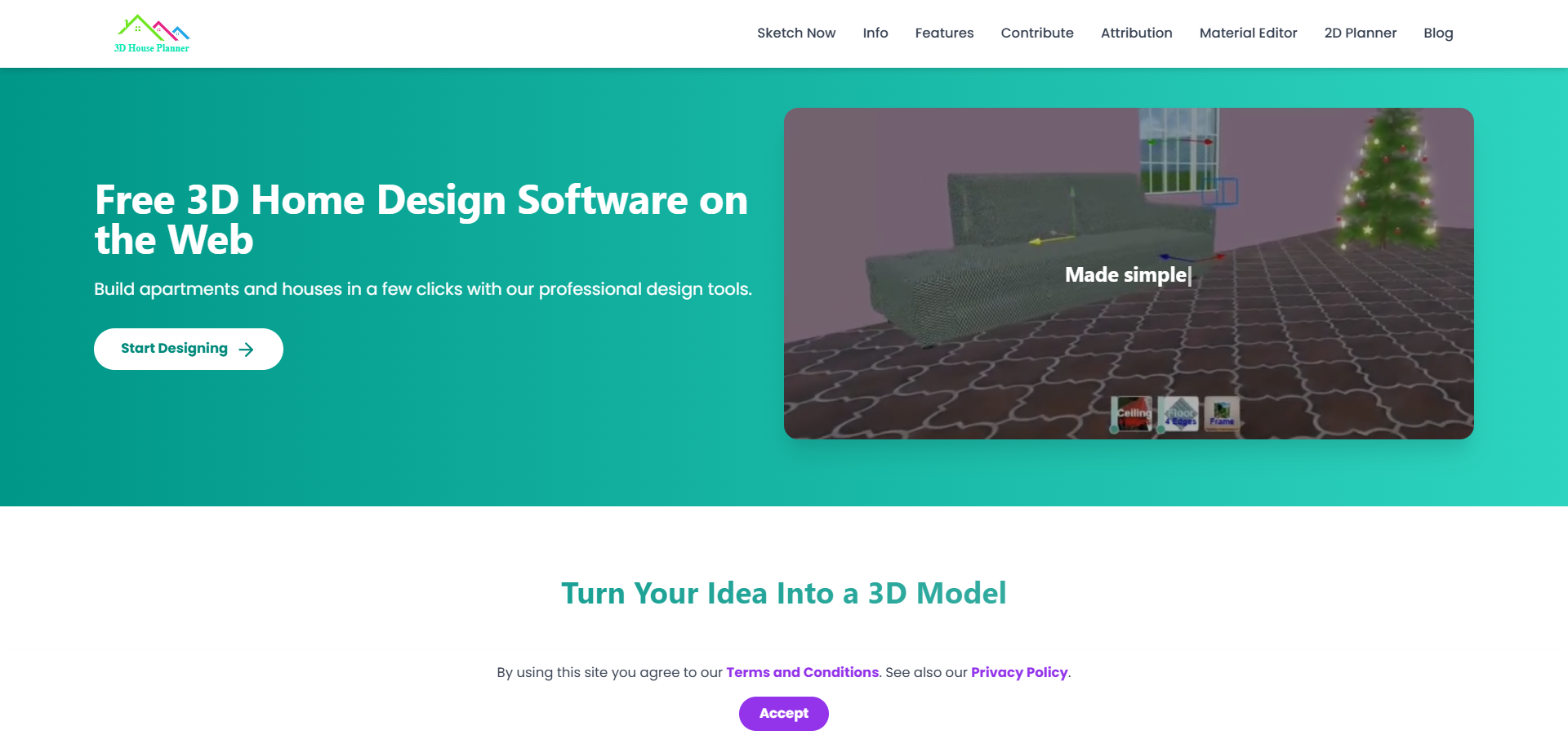
3D House Planner is a professional floor planner web application. With easy drag-and-drop tools, lifelike 3D views, and a massive library of furniture and finishes, you can design like a pro!
It has an AI tool that converts 2D floor plans images into 3D floor plan models with a single click. With 3D House Planner, you can import and export 3D models, customize designs, rearrange objects, change appearances, create videos, take snapshots, and more. Quickly build walls, floors, roofs, and frames with just a few clicks. Explore our extensive catalog featuring thousands of objects, including furniture, decor, appliances, and electronics, to fully furnish and style both interiors and exteriors.
Best for
Short scenarios where 3D House Planner tends to shine.
-
Visualize renovations before committing to costly work.
Best for Home designers
-
Redesign interiors with different furniture layouts and styles.
Best for Architects
-
Plan moves by testing where furniture will fit in a new home.
Best for Interior designers
-
Quickly convert client floor plans into 3D spaces for presentations.
Best for DIY home renovators
-
Experiment with styles & materials to show clients multiple options.
Best for Real estate professionals
-
Communicate designs visually with clients who struggle to read blueprints.
Best for Students of architecture and design
Example outputs 1
Sample generations and before/after results for 3D House Planner.

Access & connections
Where you can use 3D House Planner.
Platforms
Capabilities
What this tool accepts, produces, and is strongest at.
Highlights
- Use AI to convert 2D floor plans images into 3D floor plan models with a single click
- Import and export 3D models, rearrange objects, change appearances, create videos and take snapshots,
- Quickly build walls, floors, roofs and furnish both interiors and exteriors.
- Terrain modeling and painting
People also view
Tools that often show up alongside 3D House Planner in collections and comparisons.


FAQ 2
What is 3D House Planner?
It has an AI tool that converts 2D floor plans images into 3D floor plan models with a single click. With 3D House Planner, you can import and export 3D models, customize designs, rearrange objects, change appearances, create videos, take snapshots, and more. Quickly build walls, floors, roofs, and frames with just a few clicks. Explore our extensive catalog featuring thousands of objects, including furniture, decor, appliances, and electronics, to fully furnish and style both interiors and exteriors.
How to use 3D House Planner?
Click the Settings button and select Import Floor Plan to upload your image.
Once the floor plan is imported, click on it. An AI button will appear.
Click the AI button, and your 2D floor plan will be automatically transformed into a 3D model.