

Digital marketing optimization 2026 Rank: #1013
1ClickReport ✓
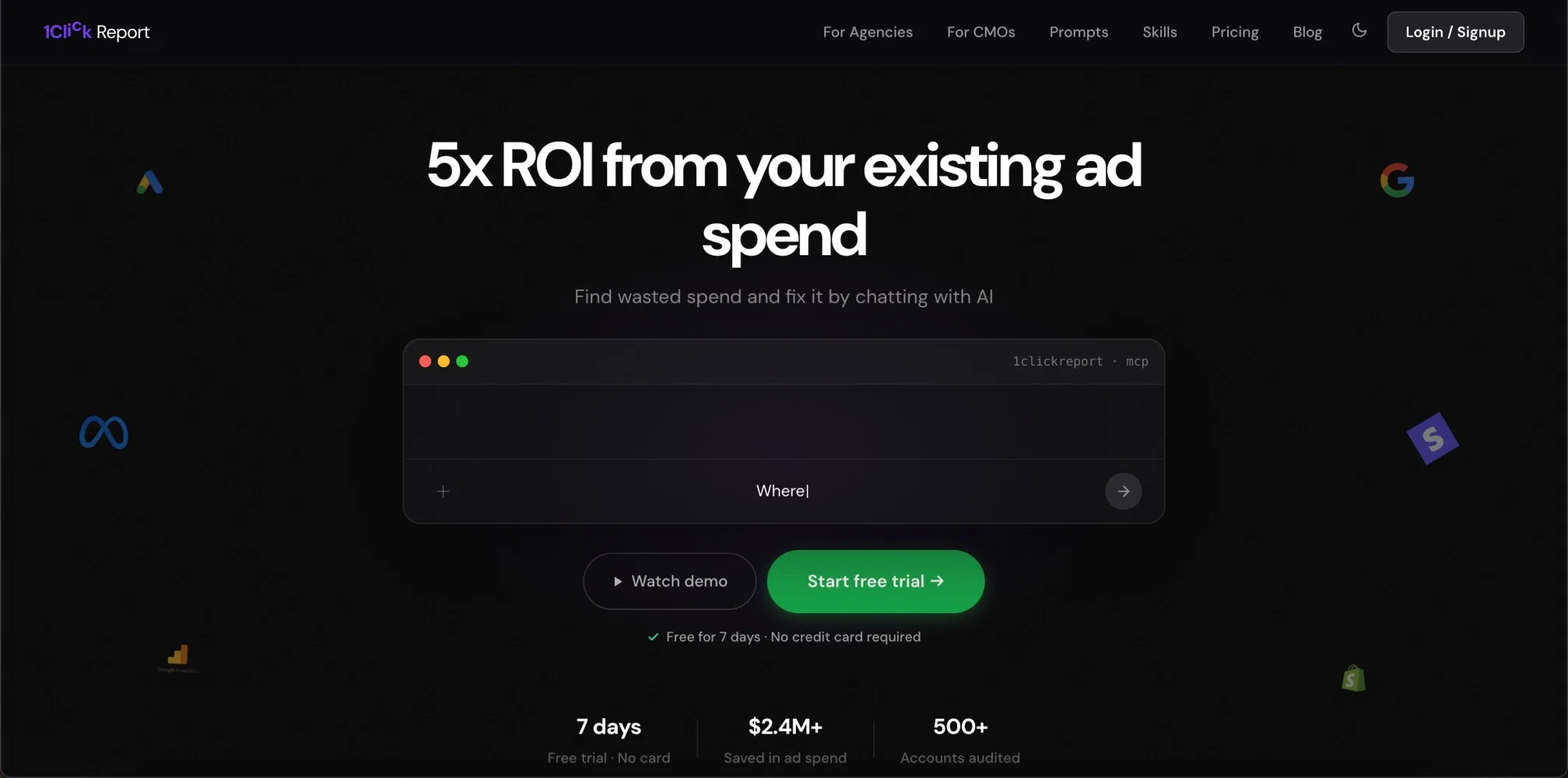
5x ROI from your existing ad spend
Verdict
A quick read before you dig into the full page.
- Best if
- 5x ROI from your existing ad spend
- Skip if
- Limited to Google Ads for campaign executions
- Pick this when
- Optimizes ad spend
Considering BidHelm instead? Compare side by side
Overview


Built on Anthropic's Model Context Protocol, it gives Claude 40+ tools to audit campaigns, find wasted spend, surface negative keywords, and analyze conversion paths. Ask "audit my Google Ads last week" and get a structured breakdown of underperformers, search-term opportunities, and quick wins.
The Premium tier extends this to autonomous campaign management — Claude can create campaigns, adjust budgets, pause ad groups, and add negative keywords on your behalf. Monitoring agents watch your accounts 24/7 and alert you when CPA spikes, CTR collapses, or conversion volume drops below your thresholds.
Agencies use it to audit and optimize across 20+ client accounts from a single Claude conversation.
Pricing:
Pro — $25/month · full read-only access
Premium — $99/month · campaign creation + management + monitoring agents
- Real-time Monitoring Agents — 24/7 Ad Account Alerts
- Multi-account Agency Support — 20+ Clients In One Conversation
- Campaign Creation & Management — Google Ads (live) + Meta Ads (coming Soon)
- Negative Keyword Automation
- Search Term & Audience Analysis
- Cross-platform Reporting — Ads, Ga4, Search Console, Stripe
- Conversion Attribution & Funnel Analysis
- Keyword Research With Search Volume
Best for
Short scenarios where 1ClickReport tends to shine.
-
5x ROI from your existing ad spend
Example outputs 1
Sample generations and before/after results for 1ClickReport.
Access & connections
Where you can use 1ClickReport, and what it plugs into.
Platforms
Capabilities
What this tool accepts, produces, and is strongest at.
Input
- API
- Text
Output
- Tabular
- API
- Text
Highlights
- API
- MCP
- Agents
Supported features
- API
- MCP
- Agents
- Integrations
- Finance & Accounting
- Search
- Deep Research
- Automation
- Brand Strategy
Pros & cons
Pros
- Optimizes ad spend
- Comprehensive marketing audits
- Actionable, pointed recommendations
- Connects with popular platforms
- Custom monitoring agents
- Alerts on potential issues
- Executes user directives
- Real-time change confirmations
Show 17 more
- 17 built-in expert skills
- Automatic skill triggers
- Dashboard building feature
- Simple sharing options
- No login required for sharing
- Subscription model without credit card requirement for trials
- Physical cross-platform integration
- Natural language processing
- Automatic actions for underperforming elements
- User approval process before changes
- Industry-specific insights and advice
- Quick creation of marketing dashboards
- Built-in expertise feature
- Read-only data access
- Real-time data across all platforms
- Supports multiple properties
- Easy switch between multiple GA4 properties, Google Ads, Meta Ads, etc.
Cons
- No support for Bing Ads
- Does not store historical data
- Limited to Google Ads for campaign executions
- Meta Ads campaign creation not live
- Doesn't support multi-language queries
- No integration with LinkedIn, Twitter Ads
- White-labeling available only for dashboards
- Cannot execute cross-platform budget optimizations
Show 2 more
- Priority support only for Premium nodes
- No on-premise deployment option
Compare alternatives
Similar tools in the catalog.

BidHelm ✓
Free TrialYour Complete AI Marketing Department. Fully Autonomous.
Free + from $79/mo
Full comparison
AdsCreator.com ✓
Free TrialTurn any website into scroll-stopping ads.
Free + from $24/mo
Full comparisonPeople also view
Tools that often show up alongside 1ClickReport in collections and comparisons.

Yo MaaS (Marketing-as-a-Service) ✓
Free TrialStop guessing, start growing your business with AI.

SEOForge.ai ✓
Free TrialGet Customers from SEO & AI Search

Rankora ✓
FreemiumSEO simplified. Rankora tells you exactly what to do to rank.

ExpertPitch.com ✓
PaidGet backlinks & press mentions in top publications, on autopilot.

Evergreen AI ✓
Free TrialSEO on autopilot outrank competitors on Google and AI search.
BlogSEO ✓
Free TrialRank #1 on Google & ChatGPT on Autopilot
BidHelm ✓
Free TrialYour Complete AI Marketing Department. Fully Autonomous.

Agency Rank Tracker ✓
Free TrialOne dashboard for all your agency's search signals.
Releases 1
Imported reviews 3
The interface is clean, but some features aren't immediately obvious. but I wouldn't completely replace my existing analytics workflow with it just yet. though I noticed some reports can take longer than expected to update. Hopefully performance improves.
Before using 1ClickReport myself, GA4 felt like a maze. Too many dashboards, too many metrics, no idea what actually mattered. What changed for me was being able to just ask questions in plain English and get real answers from our actual data. That's how I learned what GA4 was even telling me.
This tool literally changed how our agency works. Instead of jumping between GA4, Google Ads, Meta and Search Console it's all in one place. We cut our reporting and analysing time massively and can focus on actual work. The best part is the campaign creation and optimization features. If you run ads, just try it.
FAQ 12
What is 1ClickReport?
How does 1ClickReport optimize ad spend?
What platforms does 1ClickReport integrate with?
How does 1ClickReport identify underperforming ads?
What kind of directives can I give to 1ClickReport?
How does 1ClickReport use AI to monitor my ad campaigns?
What are the 17 built-in expert skills of 1ClickReport?
What is the Dashboard Builder feature in 1ClickReport?
Can I share dashboards made by 1ClickReport without requiring others to login?
Is there a trial period for 1ClickReport and do I need a credit card for it?
What are AI Monitoring Agents in 1ClickReport?
What benefits do the premium features of 1ClickReport offer?
Related tools
Recommended

ChatGPT ✓
FreemiumAsk anything, create anything, and move from idea to action.

Claude ✓
FreemiumBuilding reliable, interpretable AI systems

HappySeeds ✓
FreemiumTurn ideas into AI-powered apps instantly.

Alma by Olivares.AI ✓
PaidThe workspace where memory, agents and creative studios share one canvas.

Notis ✓
Free TrialThe first WhatsApp assistant that runs on your ChatGPT and Claude subscriptions

Grok ✓
FreemiumConversational AI for understanding the universe.