
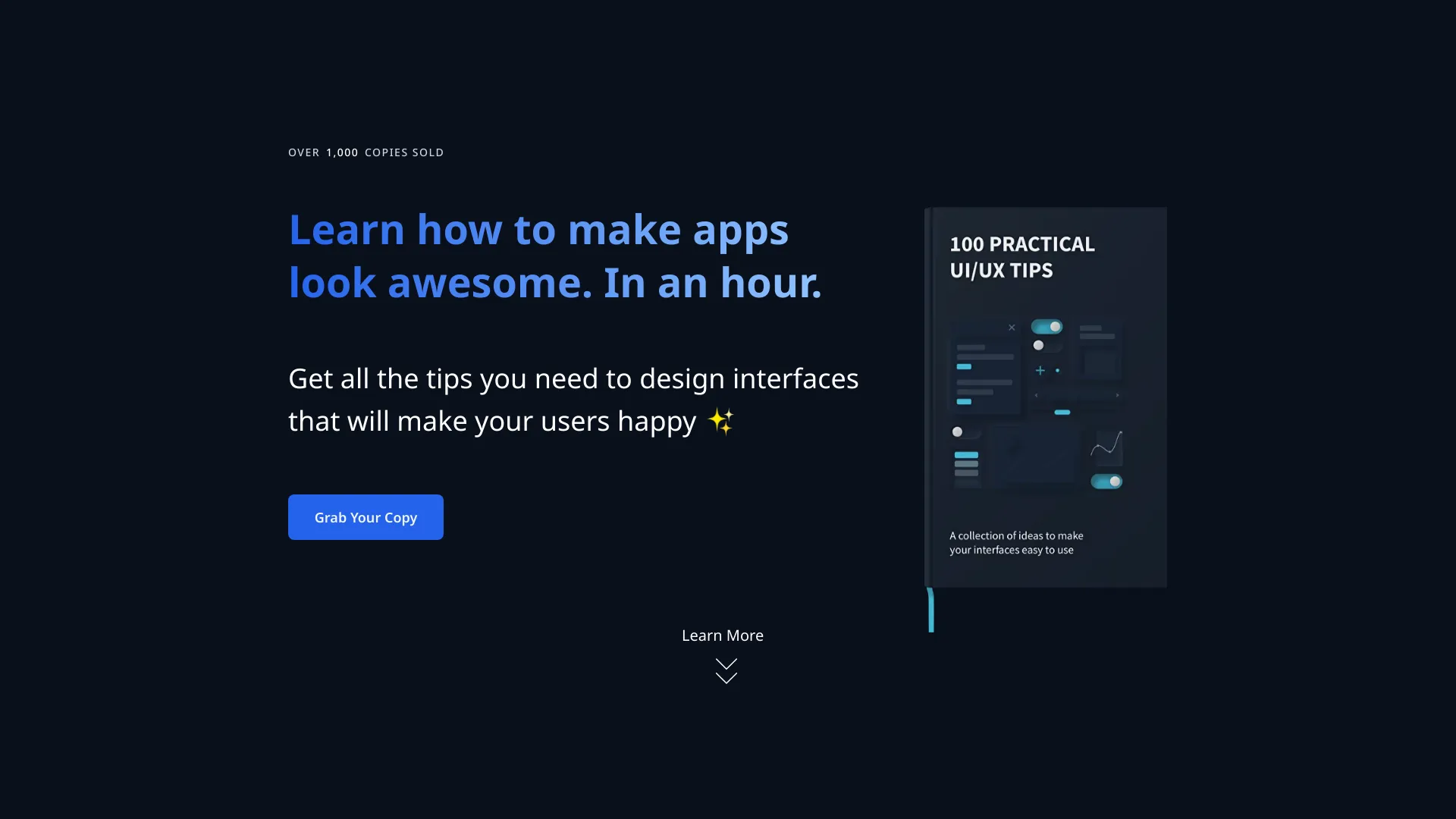
100 UI/UX Tips
A collection of UI/UX tips for creating usable web applications.
Source rating 5.0
(75)
0 views
0 saves
Paid
From $ 19
Verdict
A quick read before you dig into the full page.
- Best if
- A collection of UI/UX tips for creating usable web applications
- Skip if
- You need a free plan with no credit card
- Pick this when
- Paid · From $ 19
Overview
100 UI/UX Tips is a collection of lessons gathered and refined over three years, designed to help developers, UI/UX designers, and product owners create high-quality, usable web applications. It covers various aspects of UI/UX design, including typography, language, icons, layouts, usability, forms, visuals, and miscellaneous usability-related topics. The content is presented in a concise manner with illustrations, making it easy to learn and implement design improvements quickly.
Access & connections
Where you can use 100 UI/UX Tips.
Platforms
Capabilities
What this tool accepts, produces, and is strongest at.
Highlights
- Concise UI/UX tips
- Categorized lessons (Typography, Language, Icons, Layouts, Usability, Forms, Visuals, Misc)
- Illustrations for each concept
- Links for further reading
FAQ 6
What is 100 UI/UX Tips?
100 UI/UX Tips is a collection of lessons gathered and refined over three years, designed to help developers, UI/UX designers, and product owners create high-quality, usable web applications. It covers various aspects of UI/UX design, including typography, language, icons, layouts, usability, forms, visuals, and miscellaneous usability-related topics. The content is presented in a concise manner with illustrations, making it easy to learn and implement design improvements quickly.
How to use 100 UI/UX Tips?
Browse the website to learn UI/UX tips across various categories. Purchase the book for a comprehensive collection of these tips, refined over three years, with illustrations and further reading links.
Who is this book for?
For everyone who wants to make high quality, usable web applications. It is especially useful for developers, UI/UX designers and product owners who want to level up their skill of making good interfaces.
Why there are two packages?
The first one includes one book, the second one includes another book with additional materials. The second book is focused on forms in detail, while the first one covers many areas. Also, the second package includes 40% discount for FramesX (advanced Figma Ui Kit) which is a good deal - the original price is more than $100!
What format do the materials have?
PDF Files.
Is there a money back guarantee?
No problem with money back :) Just drop me a message and I'll do that. Please, no later than 30 days.
Related tools
Recommended

100 UI/UX Tips
From $ 19